
Commercial Network Rack & Cabinet Services
Network Rack Installation & Cabinet Cleanup
Clean, labeled, and supportable network racks, cabinets, and network closets for business infrastructure.
One Stop Telecom helps businesses install, clean up, label, organize, and document racks and network closets so phones, internet, Wi-Fi, cameras, access control, and future troubleshooting are easier to support.
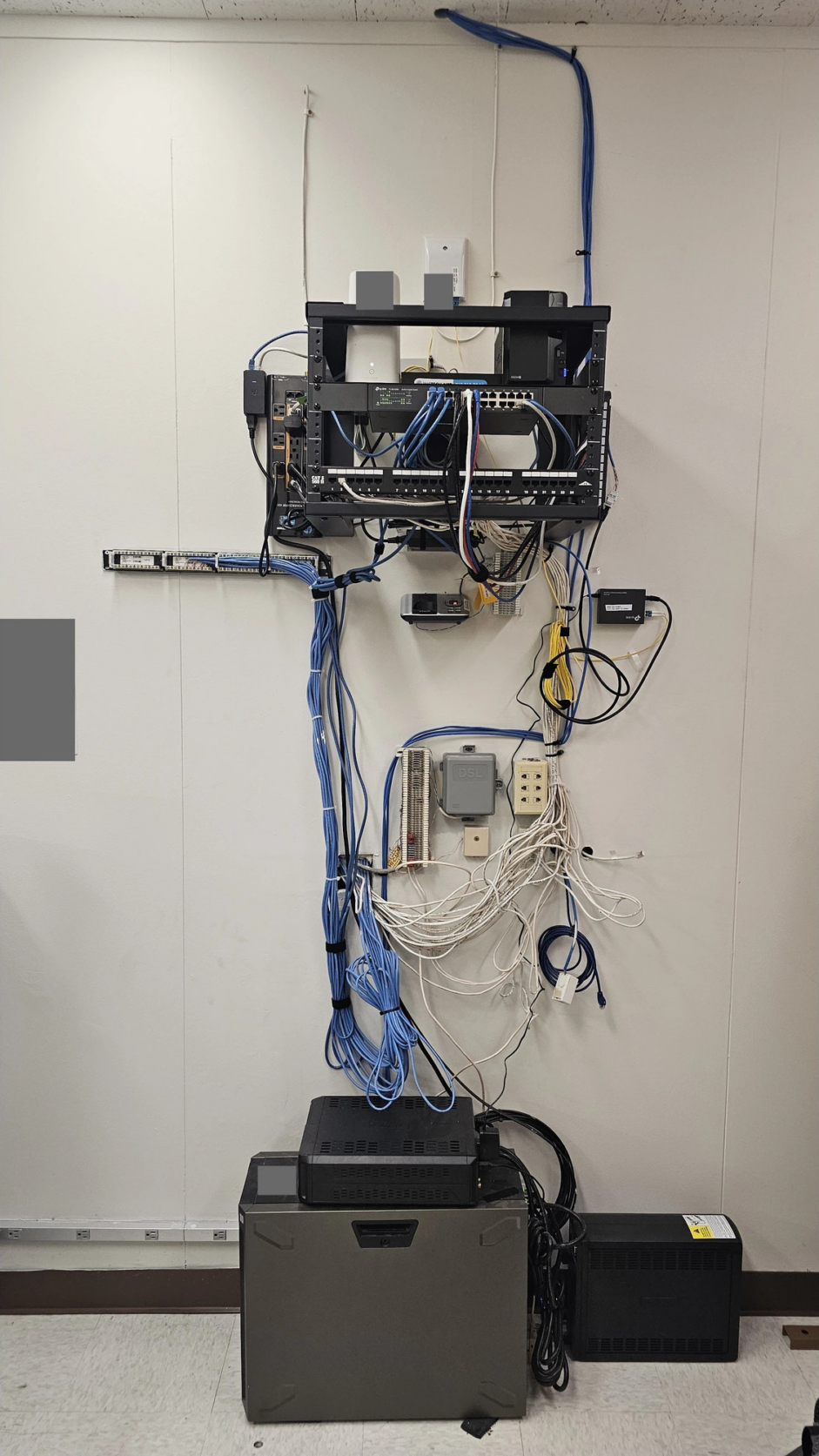
A rack review helps identify what equipment appears active, what may be abandoned, how cabling is labeled, whether patch panels and wall plates match, and what work would make the network easier to support.
Commercial business environments
Real before-and-after project proof
Cabling, labeling & infrastructure coordination
Serving businesses since 2015
Before
After
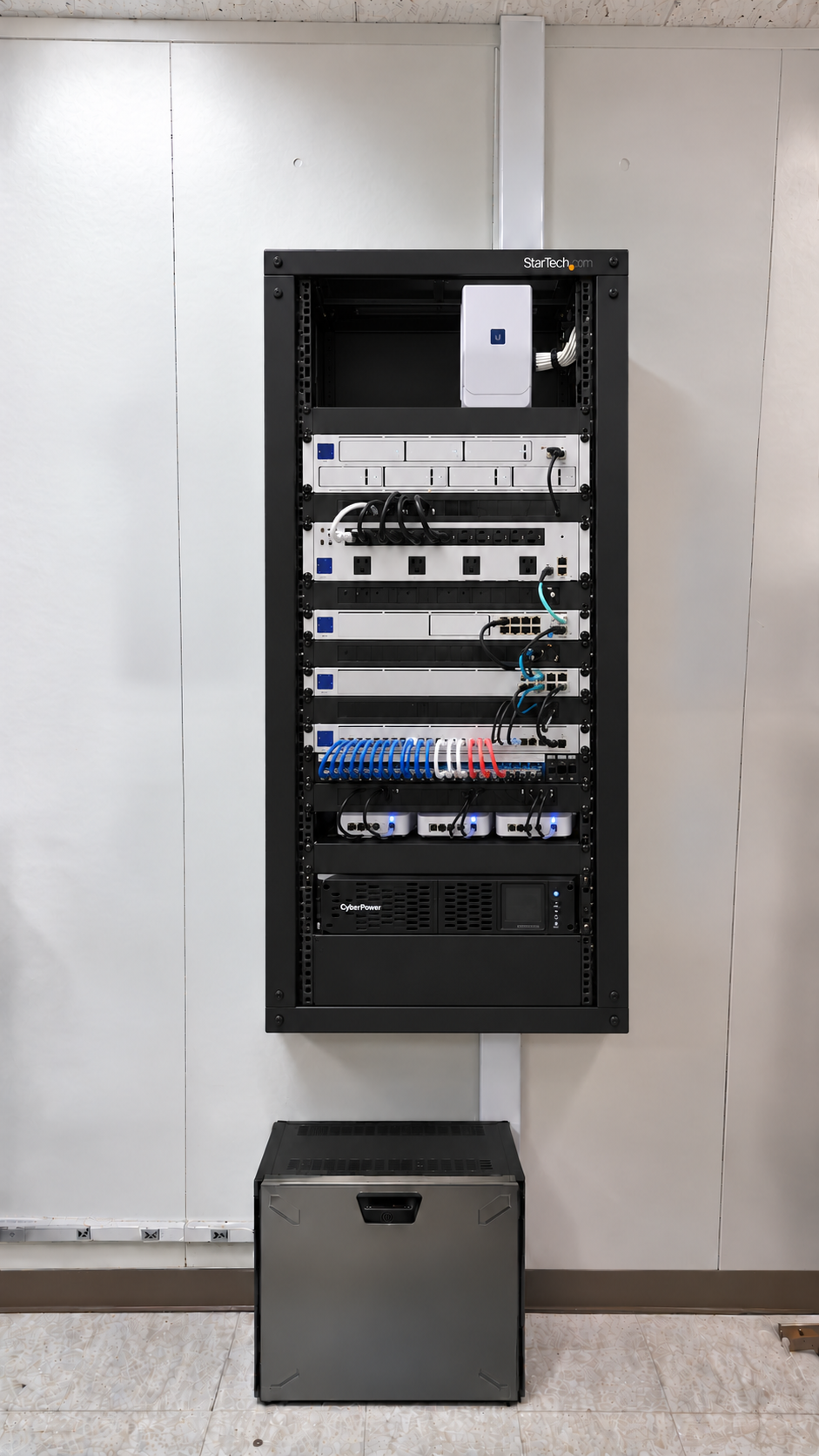
A clean, labeled rack is easier to troubleshoot, expand, and support when phones, Wi-Fi, cameras, internet, or access control need attention.
Who this page is for
For Businesses That Need a Cleaner, More Supportable Network Rack
If your rack, cabinet, or network closet has grown into something nobody fully understands, you are exactly who this page is for. We help commercial teams turn tangled, undocumented infrastructure into something clean, labeled, and easy to support.
Commercial only
Common reasons businesses reach out
- Messy network racks
- Network cabinet or network closet cleanup
- New office or warehouse rack setup
- Unlabeled patch panels or wall plates
- Old PBXs and abandoned phone equipment
- Old modems and unused switches
- Cable tracing and labeling
- Cleanup before phone, Wi-Fi, camera, access-control, or network upgrades
- MDF and IDF organization
- Infrastructure inherited during an office move
Why rack organization matters
A Messy Network Rack Is More Than an Eyesore
Poor rack organization slows troubleshooting, creates confusion about which equipment is active, hides cabling problems, consumes valuable space, and frustrates employees and support teams. The real cost is time and reliability, not just appearance.
Faster troubleshooting
Labeled patching and organized cabling let you find the right port and device quickly instead of tracing a knot of cables.
Clearer equipment identification
Know what is active, what is abandoned, and what each switch, gateway, or panel actually connects to.
More room for future infrastructure
Removing abandoned gear and organizing the rack opens space for new switches, phones, cameras, and access control.
Better support for connected systems
Phones, Wi-Fi, cameras, internet, and access control all depend on the same rack, switching, cabling, and power.
Field note: Customers often call because “everything looks like a mess.” The deeper issue is usually that the rack is difficult to understand, difficult to support, and difficult to troubleshoot when something goes wrong.
Diagnostics
Common Problems That Can Start in the Rack
Many everyday business network complaints have a root cause sitting in the rack. Here is how common symptoms connect to possible cabling, switching, power, or labeling issues.
Slow network
Possible causes: Old cabling, bad patching, overloaded switches, outdated equipment, or unclear cable paths.
What this may mean: The bottleneck is often physical, hiding in the rack rather than in the internet plan.
Phone problems
Possible causes: Poor cabling, overloaded or unmanaged switches, no UPS protection, or unclear phone/network separation.
What this may mean: Voice quality and reliability frequently trace back to switching and power in the rack.
Cameras dropping offline
Possible causes: PoE switch issues, bad cable runs, overloaded infrastructure, poor labeling, or unstable rack power.
What this may mean: Camera uptime depends on healthy PoE switching and clean, traceable cabling.
Wi-Fi complaints
Possible causes: Access-point cabling, switch problems, gateway/firewall issues, or weak infrastructure behind the wireless system.
What this may mean: Wireless issues are often wired issues — the rack behind the access points matters.
IT cannot troubleshoot quickly
Possible causes: Unlabeled patch panels, mystery devices, abandoned equipment, tangled cabling, or no room-to-port references.
What this may mean: Without labeling and documentation, every support call starts with detective work.
No room for new equipment
Possible causes: Old PBXs, unused modems, abandoned switches, old wiring, or poor rack layout.
What this may mean: Reviewing and removing abandoned gear reclaims space for future infrastructure.
Installation
Network Rack and Cabinet Installation for Business Infrastructure
Whether you are outfitting a new office or warehouse or upgrading an existing space, we install rack and cabinet hardware, place equipment sensibly, and cable and label everything so the network is supportable from day one.
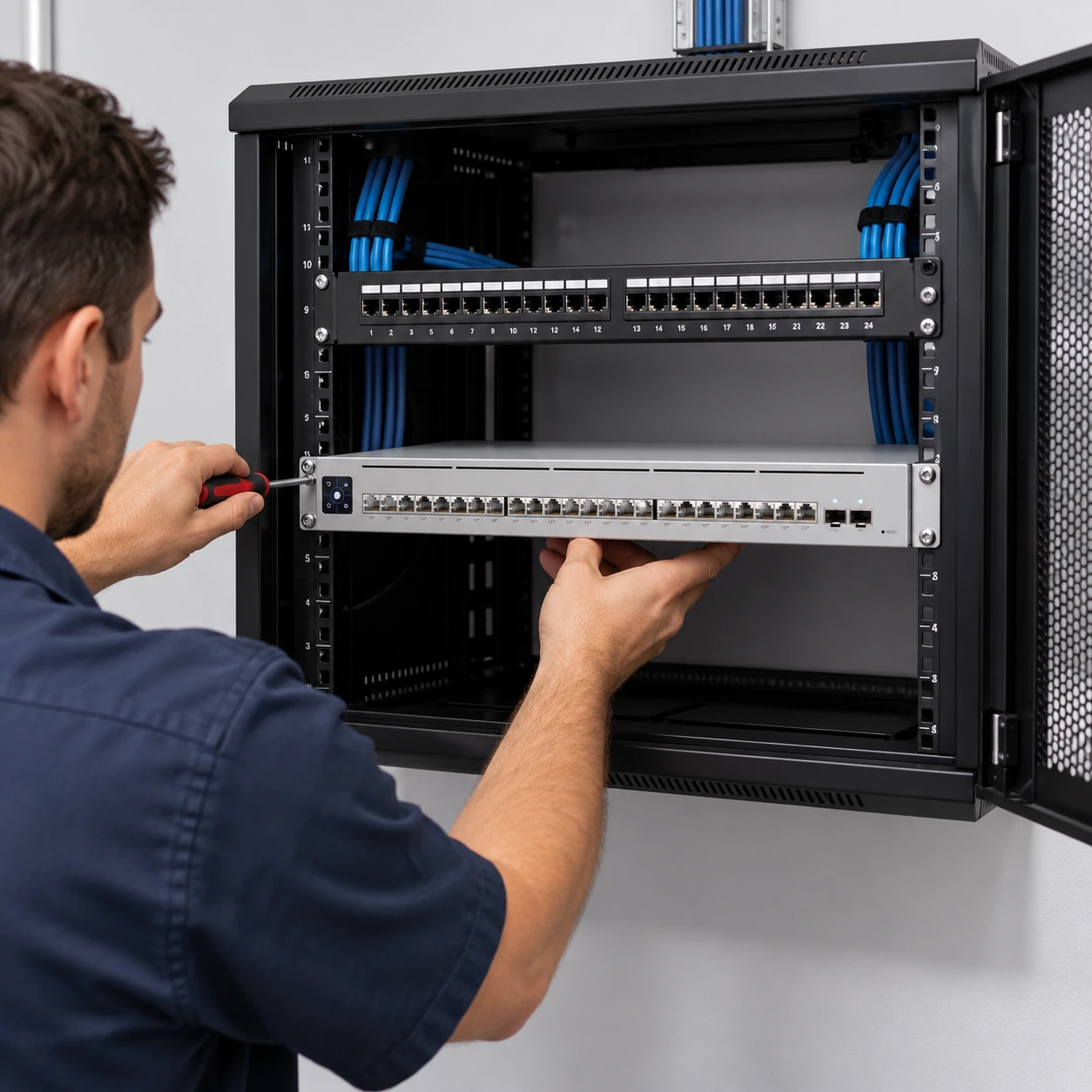
Rack and Cabinet Hardware
- Wall-mount cabinets
- Floor racks
- Shelves
- Rack ladders
- Conduit sleeves
Equipment Placement
- Switches
- PoE switches
- Gateways
- Firewalls
- UPS placement
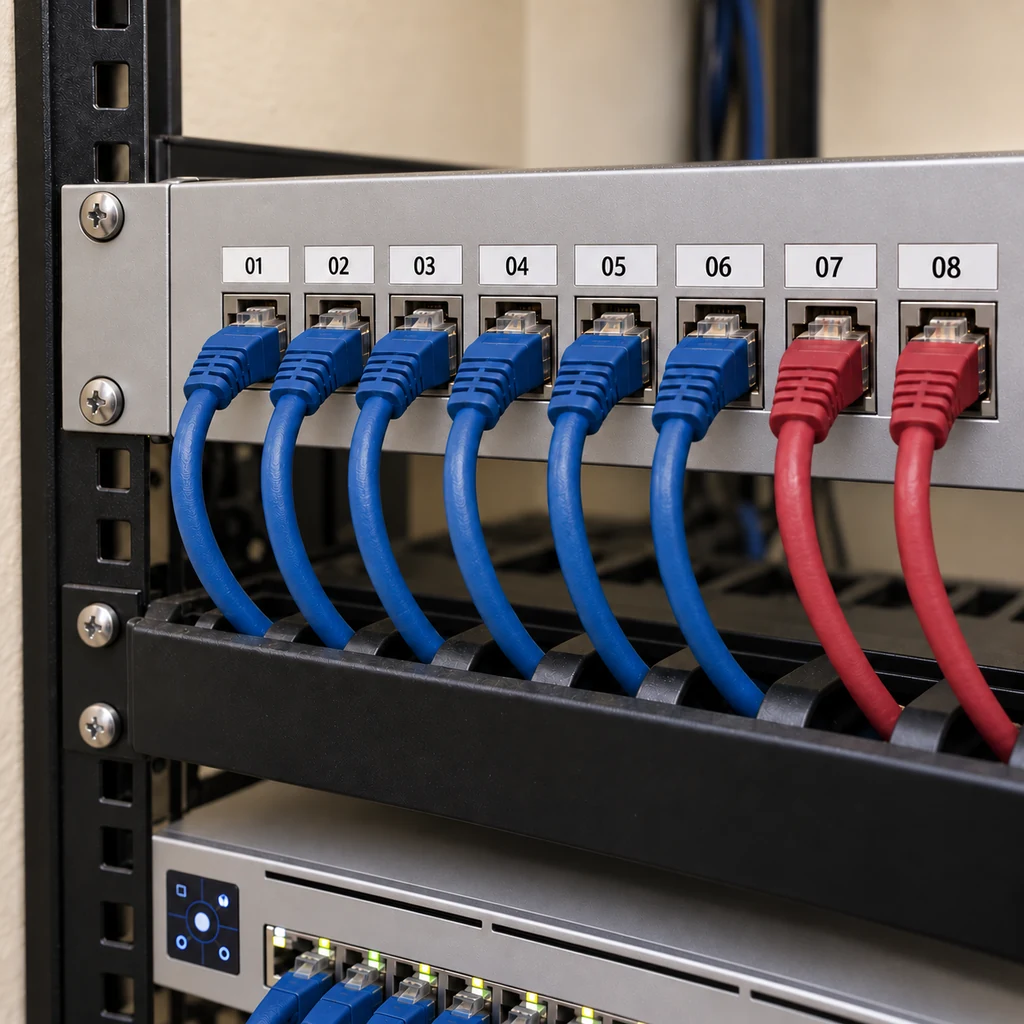
Cabling and Labeling
- Patch panels
- Cable managers
- Cable tracing
- Cable testing
- Cable toning
- Labeling and cleanup
Before & after
Network Cabinet and Network Closet Cleanup
Many businesses inherit network closets that have grown for years without consistent labeling or organization. Cleanup turns that history into infrastructure your team and IT provider can actually work with.
Before
Before cleanup: abandoned equipment, tangled cabling, and unlabeled patch panels made troubleshooting difficult.
After
After cleanup: cables were organized, patch panels were labeled, and rack space was opened for future infrastructure.
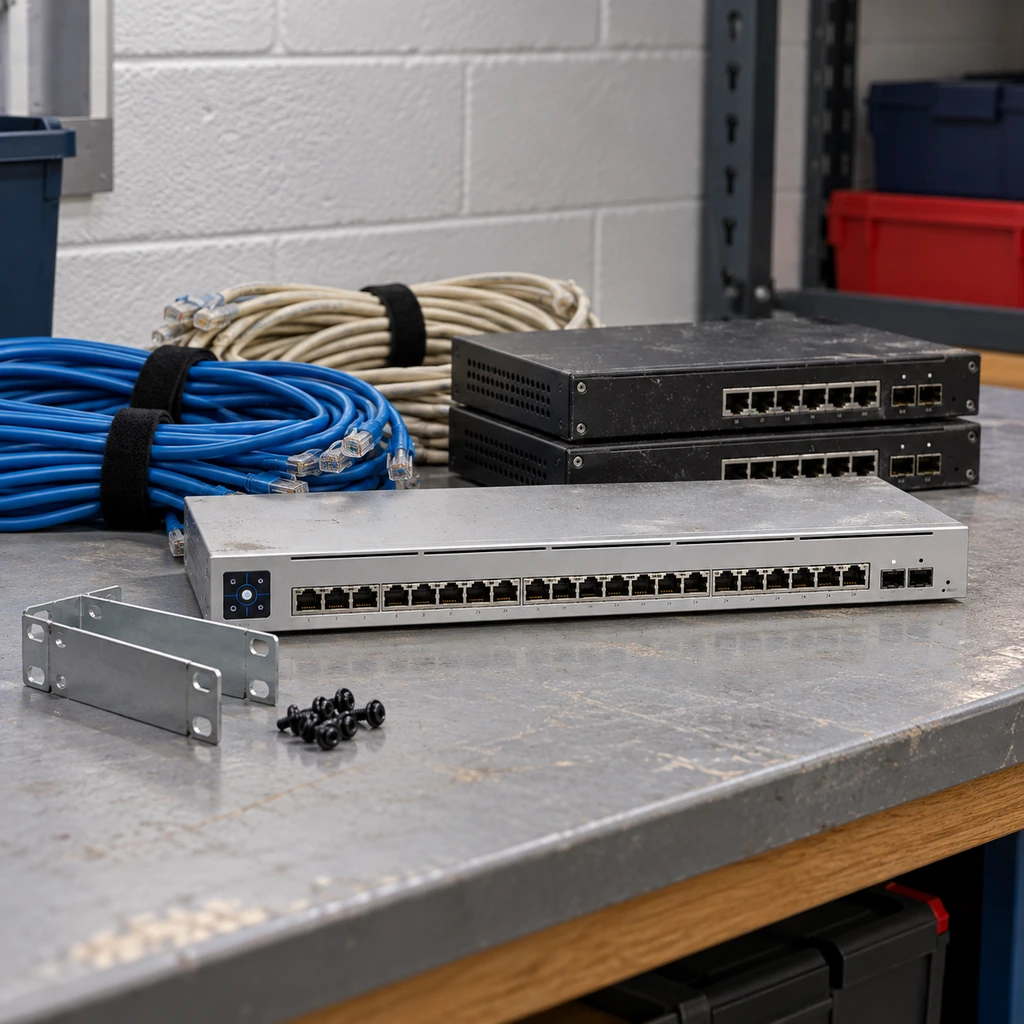
Abandoned equipment
Abandoned Equipment, Old Wiring, and Mystery Devices
One Stop Telecom helps review what appears active, what may no longer be needed, and what should be removed when appropriate and approved — so your rack reflects the network you actually run today.
- Old PBXs and phone systems
- Unused modems
- Unused switches
- Abandoned rack wiring
- Old cabling above ceilings
- Mystery devices no one can identify
Field note: Old wiring above ceilings can create long-term confusion, unnecessary weight, and extra difficulty during future upgrades or troubleshooting.
Not sure what is active, abandoned, or safe to remove?
One Stop Telecom can review your rack or network closet, identify what appears active or unnecessary, and help plan the safest next step.

Tracing & labeling
Cable Tracing, Testing, Toning, and Labeling
Rack cleanup is far more valuable when cables, patch panels, wall plates, and room locations can be matched. Tracing and labeling are what make a clean rack genuinely supportable.
- Cable tracing
- Cable testing
- Cable toning
- Patch-panel labeling
- Cable labeling
- Wall-plate labeling
- Room-to-port references
- Optional testing reports when scoped
Documentation
Practical Rack Notes, Labels, and Cable Routing Visibility
Practical documentation makes a clean rack stay understandable long after the work is done. Depending on the project scope, this may include:
- Equipment identification
- Rack photographs
- Rack notes
- Cable routing information
- Room-to-port references
- Optional testing reports
- Optional UniFi Design Tool visuals when requested and agreed upon in advance
Scope note: Practical documentation does not automatically include full engineering drawings, complete network documentation, or formal testing reports unless those items are specifically included in the project scope.

Moves & buildouts
Network Rack Cleanup During Office Moves and Buildouts
Moves and buildouts are the ideal moment to get infrastructure right. Each scenario calls for a slightly different approach.
01
Starting in a new office or warehouse
Plan the cabinet, rack, patch panels, cabling, labels, phones, Wi-Fi, cameras, access control, and internet handoff correctly from the beginning.
02
Inheriting an existing network closet
Identify what is active, abandoned, mislabeled, poorly mounted, or difficult to support.
03
Preparing for an upgrade
Clean up and label the rack before replacing phones, switches, Wi-Fi, cameras, access control, or gateway equipment.
Learn more about network infrastructure planning during an office move.
Timing
When Should a Business Clean Up Its Network Rack?
Rack cleanup pays off most when it lines up with a change you are already making. These are the moments it makes the biggest difference.
Before or during an office move
During a new office or warehouse buildout
Before a VoIP phone-system upgrade
Before a Wi-Fi upgrade
Before a camera installation
Before an access-control project
During a switch or gateway replacement
During an IT-provider transition
During multi-location standardization
After inheriting a messy network closet
While troubleshooting slow or unreliable network performance
Connected systems
The Rack Behind Phones, Wi-Fi, Cameras, and Access Control
These systems are not separate islands. They frequently depend on the same rack, switching, cabling, power, and labeling — which is why the rack is where support so often begins.
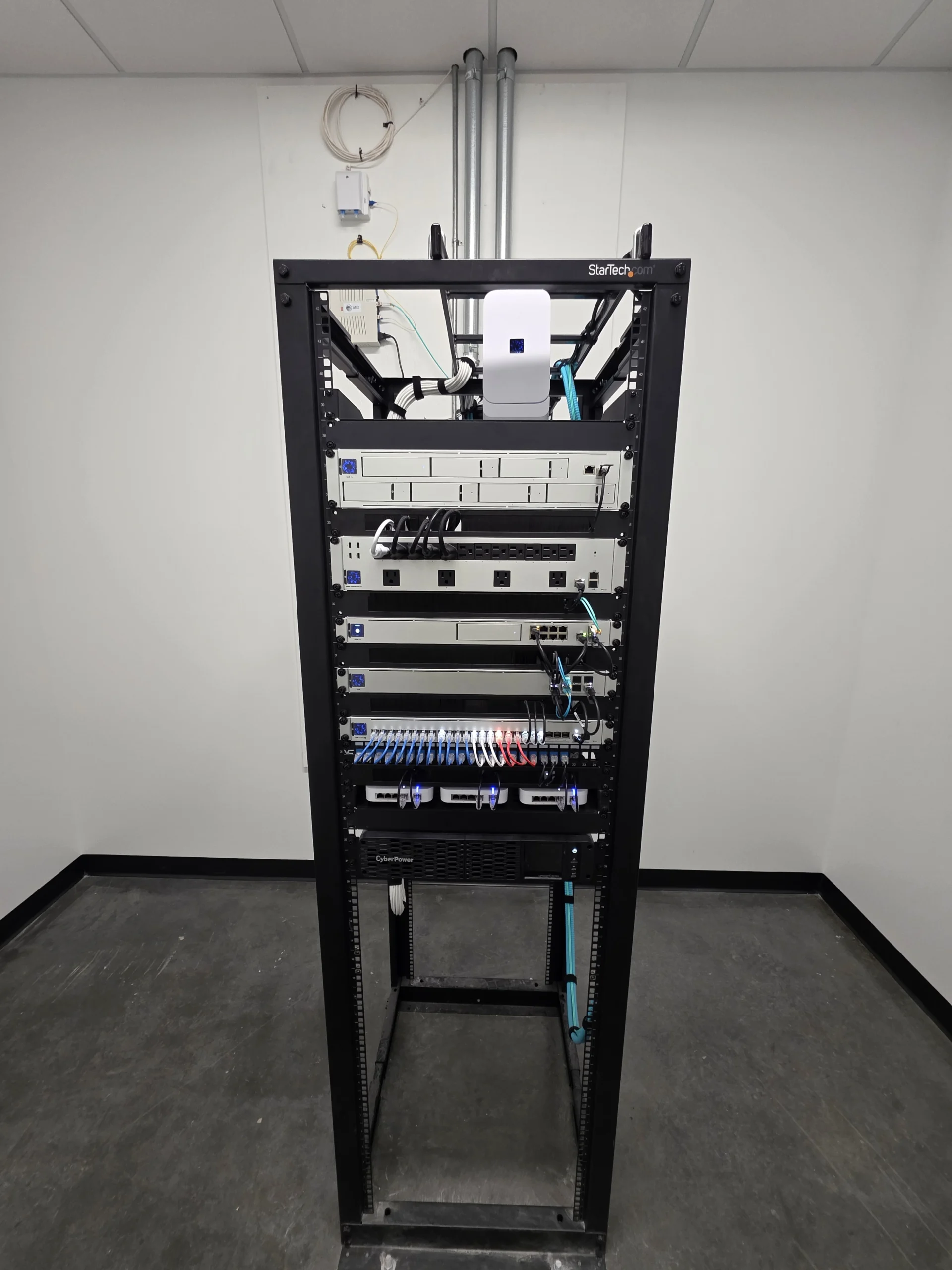
Wi-Fi access points
PoE switches
Security cameras
Access control
UPS equipment
Works with your IT team
We Complement Your IT Provider — We Don’t Replace Them
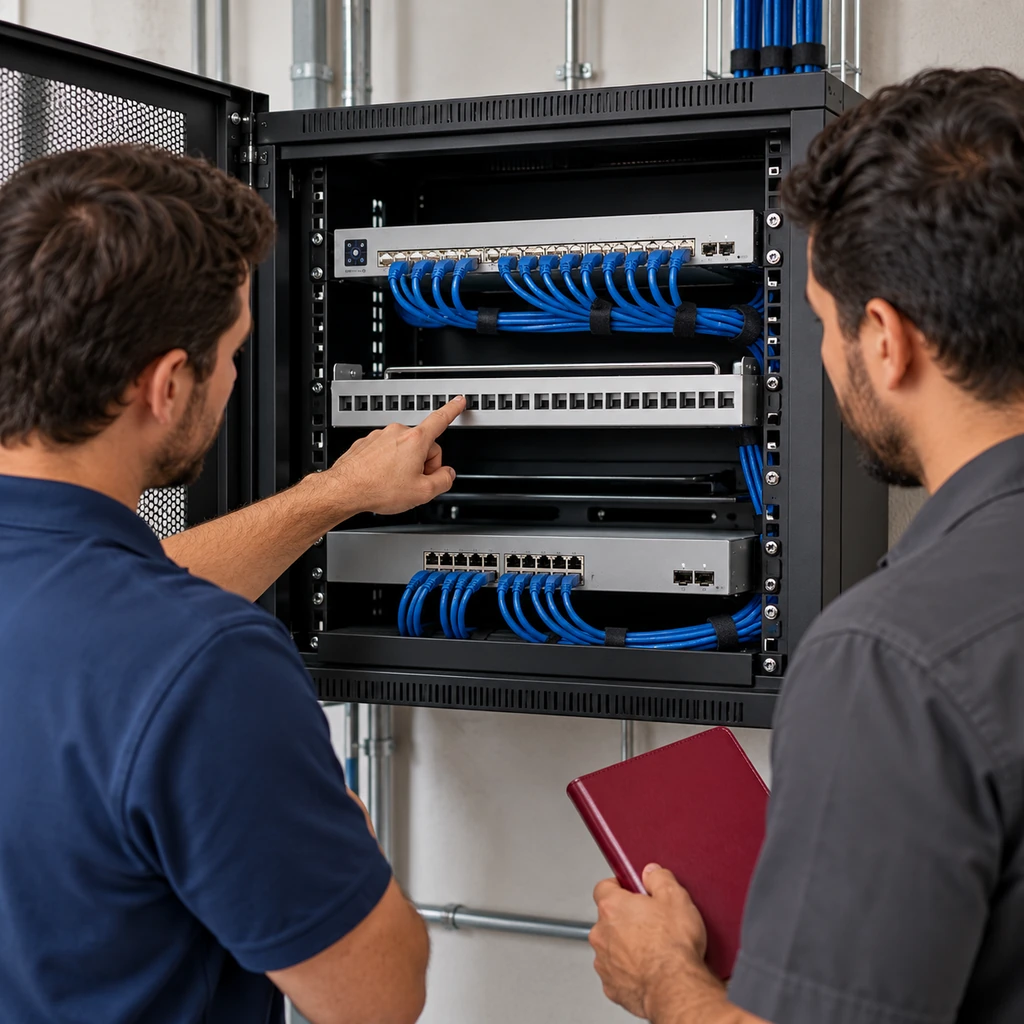
Most businesses already have someone handling their network, whether that’s an in-house IT lead or an outside managed services provider. Our job is the physical infrastructure: the rack, the cabling, the panels, and the cleanup. We stay in our lane and make their job easier.
- We work alongside your existing IT provider or MSP — we handle the physical layer so they can focus on the network and systems side.
- Clear scope up front: we confirm what stays, what goes, and who owns what before any cable is touched.
- We label and document as we go, so your IT team inherits a rack they can actually read.
- No turf wars. If your provider wants to be on-site or on a call during the work, we welcome it.
Clear scope
What We Handle — and What We Leave to Your IT Team
We believe in staying in our lane. Here’s an honest line between the physical infrastructure work we own and the systems work that belongs with your IT provider.
What We Do
- Network rack installation, mounting, and reorganization
- Structured cabling: pulling, terminating, and dressing runs
- Patch panel installation, labeling, and cleanup
- Cable tracing and documentation of existing runs
- Removal of abandoned cabling and dead equipment
- Wall-mount cabinets and closet buildouts for smaller sites
- Business phone and VoIP cabling and handset setup
What We Leave to IT
- Ongoing network monitoring or managed IT services
- Server administration, software, or cloud configuration
- Cybersecurity, firewalls, or endpoint management
- Help-desk or day-to-day user support
Clear Boundaries for Customer-Provided Equipment
We’re glad to mount and organize equipment you already own or source yourself. To keep expectations honest, here’s the line between the hands-on work we include by default and the systems work we only take on when it’s specifically scoped.
We’ll Mount & Organize
- Customer-provided switches, routers, and firewalls
- ISP and carrier equipment
- Third-party appliances and vendor hardware
Included Only When Scoped
- Configuration and provisioning
- Ongoing management and monitoring
- Support and connectivity troubleshooting
Put simply: we can physically install and tidy customer-provided switches, routers, firewalls, ISP gear, or third-party appliances, but configuration, management, monitoring, support, and connectivity are only included when they’re specifically written into the scope of work.
How it works
A Straightforward Six-Step Process, Start to Finish
No mystery, no scope creep. You know what’s happening at every step, and you end up with infrastructure you can actually hand to the next person.
Step 1
Review the current rack or planned space
We come on-site, look at your rack or the space for a new one, and photograph the starting point. No guessing from a phone call.
Step 2
Identify what is active, unclear, or unnecessary
We sort live connections from unknowns and dead weight, so nothing important gets touched and nothing useless stays.
Step 3
Plan the cleanup or installation
You get a clear plan: what stays, what gets removed, what gets re-terminated, and what the finished rack will look like.
Step 4
Trace, test, tone, and label where included
When labeling is in scope, every run gets toned out, tested, confirmed at both ends, and labeled — no ports left a mystery.
Step 5
Clean up, install, mount, and organize
We mount, dress, and terminate cabling, install or reorganize equipment, and remove abandoned gear — keeping systems up wherever possible.
Step 6
Document practical details
You and your IT provider get simple, readable notes on the rack, the ports, and what changed.
Real-world rack cleanup experience
Racks We’ve Untangled, Traced, and Handed Back Documented
We’re a local team that does physical network and phone infrastructure — and these are the kinds of real jobs that show up in the field.
Upland, CA
A Cat5 Bottleneck Choking a Modern Network
A business ran new equipment over aging Cat5 that quietly capped their speeds. We traced the runs, identified the bottleneck, and cleaned up the cabling so the network could finally keep up.
Hidden hardware
Switches Buried Behind Years of Cable Clutter
Active switches were completely hidden behind a wall of tangled, unlabeled cable. We untangled and dressed the runs, exposed the equipment, and labeled every port so the rack could actually be worked on.
Southern California
A Water-District Rack Brought Back Under Control
An anonymous Southern California water district had a rack no one could safely touch. We reviewed what was live, removed the dead weight, reorganized the cabling, and documented the result for their team.
Network Rack and Cabinet Cleanup in Southern California
On-site service for businesses across the region. Share your location and we’ll confirm we can get a technician to your site.
Common questions
Questions Businesses Ask Before We Start
What does a network rack cleanup actually include? icon
A cleanup covers the physical rack: untangling and re-dressing cabling, mounting and organizing equipment, removing abandoned cable and dead gear, and tidying patch panels. Tracing, testing, labeling, and documentation are included when they are part of the agreed scope.
Do you trace, test, and tone cables? icon
Yes, when it is in scope. We tone out each run, test it, confirm where it lands at both ends, and only then label it. That is how we turn a rack full of unknown cables into one your team can actually work on.
Do you label patch panels and wall plates? icon
Yes. When labeling is included, we label patch-panel ports and the matching wall plates or drops so a jack in a room maps cleanly back to a port in the rack — no more guessing which cable goes where.
Can you install or organize equipment we bought ourselves? icon
Yes. We can mount and organize customer-provided switches, routers, firewalls, ISP equipment, and third-party appliances. Configuration, management, monitoring, support, and connectivity are only included when they are specifically written into the scope.
Can a messy rack actually cause a slow or unreliable network? icon
It can. Aging cable like old Cat5, damaged or poorly terminated runs, and hidden equipment can all quietly cap speeds or cause drops. Tracing and cleaning up the rack often surfaces the physical problem behind a network that feels slow.
Do you replace our IT provider? icon
No. We handle the physical infrastructure — the rack, cabling, patch panels, and cleanup — and we work alongside your existing IT provider or in-house team. They keep owning the network, systems, and support side.
Can you clean up our rack without taking systems offline? icon
In most cases, yes. We plan the work so critical connections stay up, and when a brief interruption is unavoidable we schedule it around your business hours and coordinate with your IT team first.
Do you handle office moves and old phone systems? icon
Yes. We handle the infrastructure side of moves and buildouts — cabling the new space, mounting the rack or wall cabinet, and getting phones and drops live. We also remove abandoned cabling and dead equipment, including old PBX and phone gear, after confirming it is truly unused.
Do you work in homes or residential spaces? icon
No. We focus on commercial businesses — offices, warehouses, and similar sites. Residential network work is outside what we take on.
How long does a rack cleanup or installation take? icon
It depends on the size of the rack, how much needs tracing, and whether it is a cleanup or a full install. After the on-site review we give you a clear timeline, and we schedule the work around your business hours wherever possible.
What affects the cost of a rack cleanup or install? icon
Cost is driven by the amount of cabling, how much tracing and labeling is included, equipment to mount or remove, and site conditions. We scope the work up front so the price reflects what your rack actually needs — no open-ended surprises.
What areas do you serve? icon
We are a local, on-site team serving businesses across Southern California. Reach out with your location and we will confirm we can get a technician to your site.

Ready to Fix the Rack — and Finally Know What’s in It?
Request a rack review or schedule a site walk. We’ll assess your rack or closet on-site, give you a clear plan, and coordinate with your IT team so nothing slips through the cracks.