
Commercial Surveillance Infrastructure
Business Security Cameras & Surveillance Systems
One Stop Telecom helps warehouses, offices, industrial facilities, and multi-location businesses deploy modern surveillance systems with local recording, remote access, expandable storage, centralized management, protected networks, and practical incident-review tools.
Local recording with remote access
Centralized multi-location management
Expandable storage planning
Infrastructure-aware deployment
Who This Page Is For
This page is for businesses that need more than basic camera coverage. If you need practical visibility, faster incident review, infrastructure planning, and long-term scalability, you are in the right place.
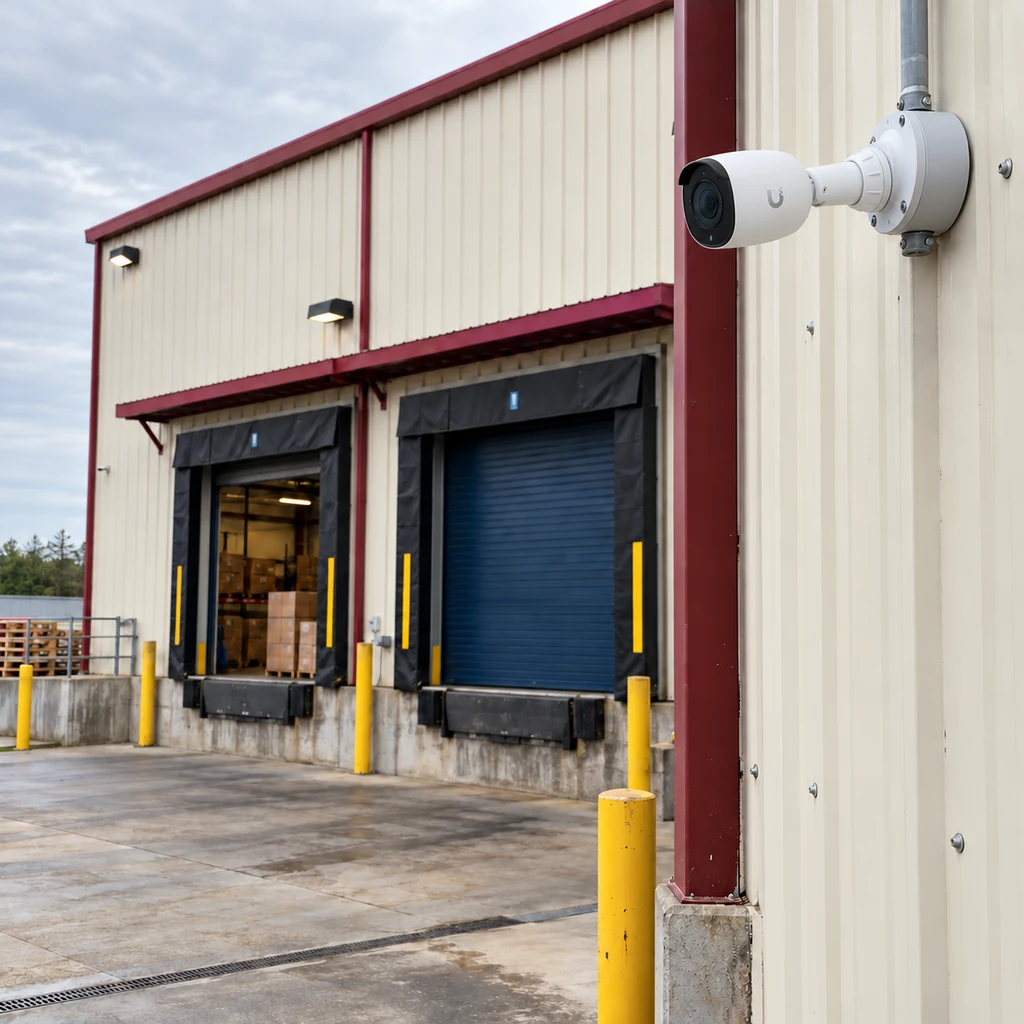
Warehouses & logistics facilities
Loading docks, aisles, yards, and high-traffic operational areas.
Manufacturing & industrial properties
Production floors, equipment areas, and controlled access points.
Commercial & medical offices
Entrances, common areas, and sensitive workspaces.
Multi-location & owner-occupied
Standardized coverage and management across every site.
What One Stop Telecom Provides
We plan, install, and support commercial surveillance as part of your business infrastructure—not as a box of disconnected cameras.
Commercial camera-system planning
Coverage designed around entrances, blind spots, and the areas your operations actually depend on.
UniFi Protect deployments
Modern camera platforms configured and supported as part of your wider infrastructure.
Local recording with secure remote access
Footage recorded on business-owned equipment with authorized access when you need it.
Continuous-recording options
Motion or continuous recording strategies matched to how you review incidents.
Expandable storage & retention planning
Storage sized for today and planned to grow as camera counts and needs change.
Multi-location management
Compatible sites organized for centralized viewing instead of separate islands.
Structured cabling & PoE coordination
Cameras, cabling, and switching planned together for a clean, reliable install.
Protected surveillance networks
Network separation and gateway coordination that keep the camera system contained.
Long-term system support
Ongoing guidance, access help, and upgrade planning for systems we install.
Common Surveillance Problems
Most businesses do not need to be sold on cameras—they need to solve the practical problems that make an existing system frustrating to rely on.
Footage is difficult to find
When an incident happens, teams waste time scrubbing through hours of video with no fast way to locate the moment that matters.
Important areas have weak coverage
Blind spots at docks, entrances, and yards leave gaps exactly where visibility is needed most.
Existing storage is too limited
Footage is overwritten before it can be reviewed, and there is no clear plan for adding capacity.
Cameras and network equipment are poorly coordinated
Cameras bolted onto an unplanned network create reliability problems and finger-pointing when something fails.
Locations are managed separately
Each site is its own island, forcing staff to log into multiple systems to review activity.
Aging systems are difficult to expand
Older recorders and cameras limit resolution, retention, and the ability to grow with the business.
“A camera system is only useful when footage can be found, reviewed, retained, and accessed when the business actually needs it.”
Field Note
Operational Visibility
Security Cameras Should Support More Than Security
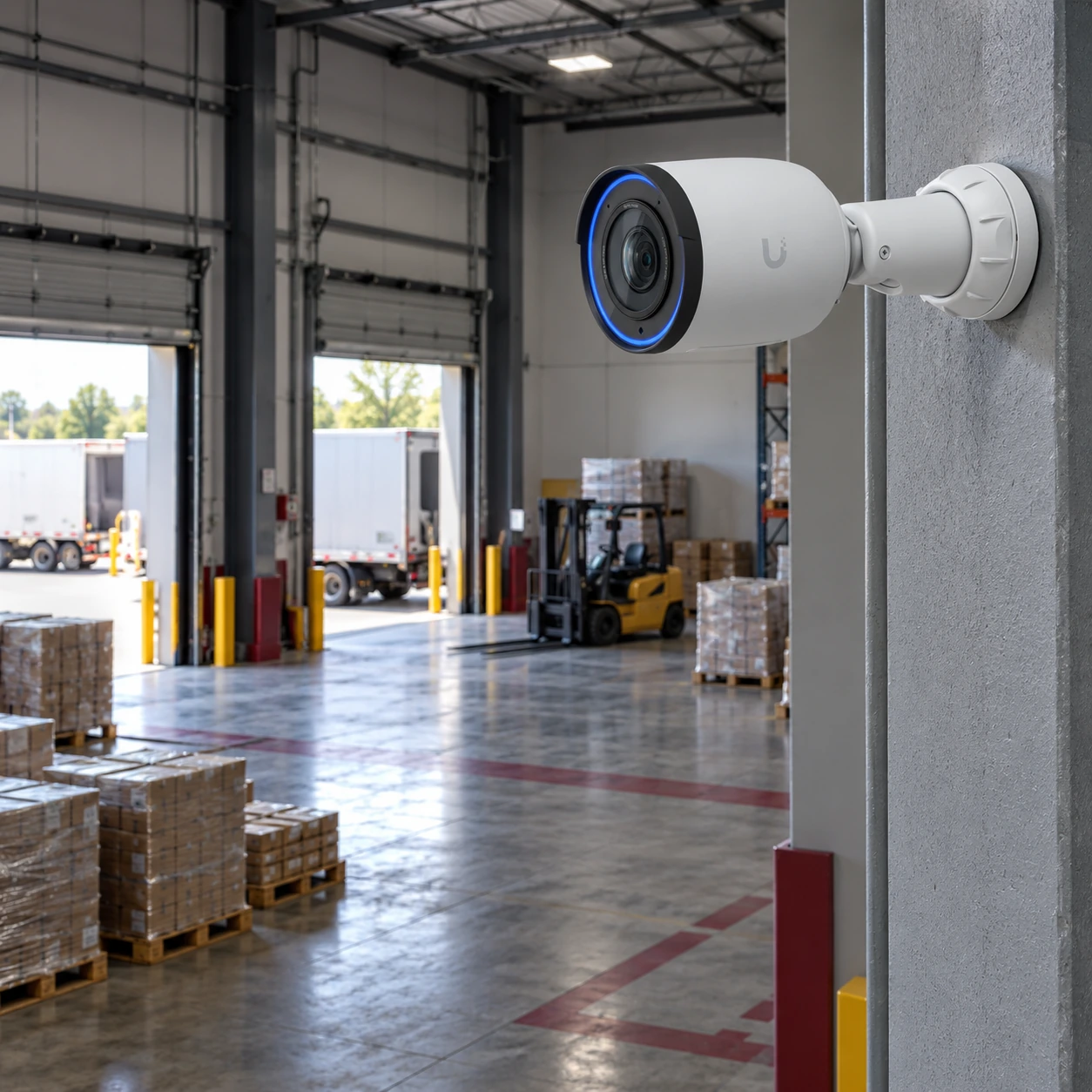
The most valuable surveillance systems do more than deter. They give operations, facilities, and management teams a reliable way to see what happened, when, and where—across the parts of the business that are hard to watch in person.
- Review incidents and confirm what actually happened
- Understand deliveries and vehicle activity at the dock
- Verify activity across entrances, aisles, and yards
- Investigate damage, loss, and workflow interruptions
One Stop Telecom designs, installs, and supports the system. We do not provide live security-guard monitoring.
Why Businesses Choose One Stop Telecom
A commercial surveillance system lives or dies on the infrastructure behind it. We plan, install, and support that infrastructure so the cameras are dependable for the long term.
Infrastructure-aware planning
Cameras planned alongside cabling, networking, and power—not in isolation.
Warehouse & industrial experience
Field experience with docks, aisles, yards, and demanding environments.
Structured cabling & network coordination
One team accountable for the cabling and network the cameras depend on.
Protected surveillance-network planning
Camera traffic contained and separated from the rest of the business.
Expandable system design
Architecture chosen so cameras and storage can grow when needs change.
Long-term support & phased upgrades
Practical, staged upgrade planning for the systems we install and support.
Multi-Location Management
Compatible business locations can be organized for centralized viewing and management. Authorized users can access several sites from one place, instead of treating every system as a separate island.
Multiple warehouses under one view
Office and warehouse combinations
Regional business locations
Standardized deployments across new sites
Centralized management
▼
Warehouse A
Plant B
Office C
Illustrative concept—compatible sites organized under one authorized, centralized view.
Local Recording & Continuous Recording
Two decisions shape how useful your footage will be: where it is stored and how often it records. Here is how the common approaches compare.
Local recording with remote access
- Footage recorded on local business equipment
- Authorized remote access
- Less dependence on cloud-only consumer storage
- Storage planned around the business environment
- Retention expandable when supported by the selected design
Motion-only & continuous recording
- Motion recording can reduce storage use
- Continuous recording provides a more complete timeline
- The right approach depends on risk and camera count
- Storage, image settings, and business needs all factor in
Key takeaway
The recording strategy should be planned around how the business expects to investigate incidents—not chosen only by the camera’s default settings.
AI-Assisted Incident Review
Supported analytics and event classifications can help authorized users narrow large amounts of footage and find relevant activity faster. These tools assist the review process but do not guarantee perfect detection or recognition.
Step 1.
Narrow the incident
Identify the approximate time, camera area, person, vehicle, or type of event.
Step 1.
Filter available events
Use supported person, vehicle, motion, or event classifications to reduce the amount of footage that must be reviewed manually.
Step 1.
Review and export
Confirm the relevant footage, review the full event context, and export the portion needed for the business record.
Takeaway: AI-assisted tools should make incident review more efficient without replacing human verification.
Expandable Storage & Retention
How long footage is kept is not a single fixed number. It is the result of several variables working together. When the architecture supports it, storage can be planned for expansion as those variables change.
Retention should be estimated from the actual system design. It should never be presented as a guaranteed number before camera settings, recording mode, activity, and storage capacity are known.
Field Note
What retention depends on
- Number of cameras
- Resolution
- Frame rate
- Continuous vs motion recording
- Activity levels
- Storage capacity
- Business retention goals
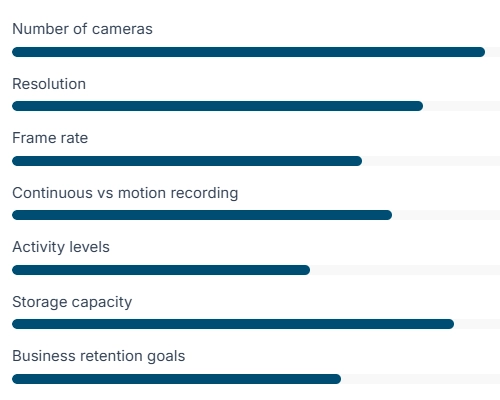
Illustrative only. Actual retention is modeled during system design.
Protected Surveillance Networks
Surveillance reliability depends on far more than the cameras. Cabling, PoE switching, network separation, gateway configuration, UPS planning, and recorder placement all affect how well the system performs.
We plan the camera network as its own coordinated segment so it stays contained and dependable within your broader business infrastructure.
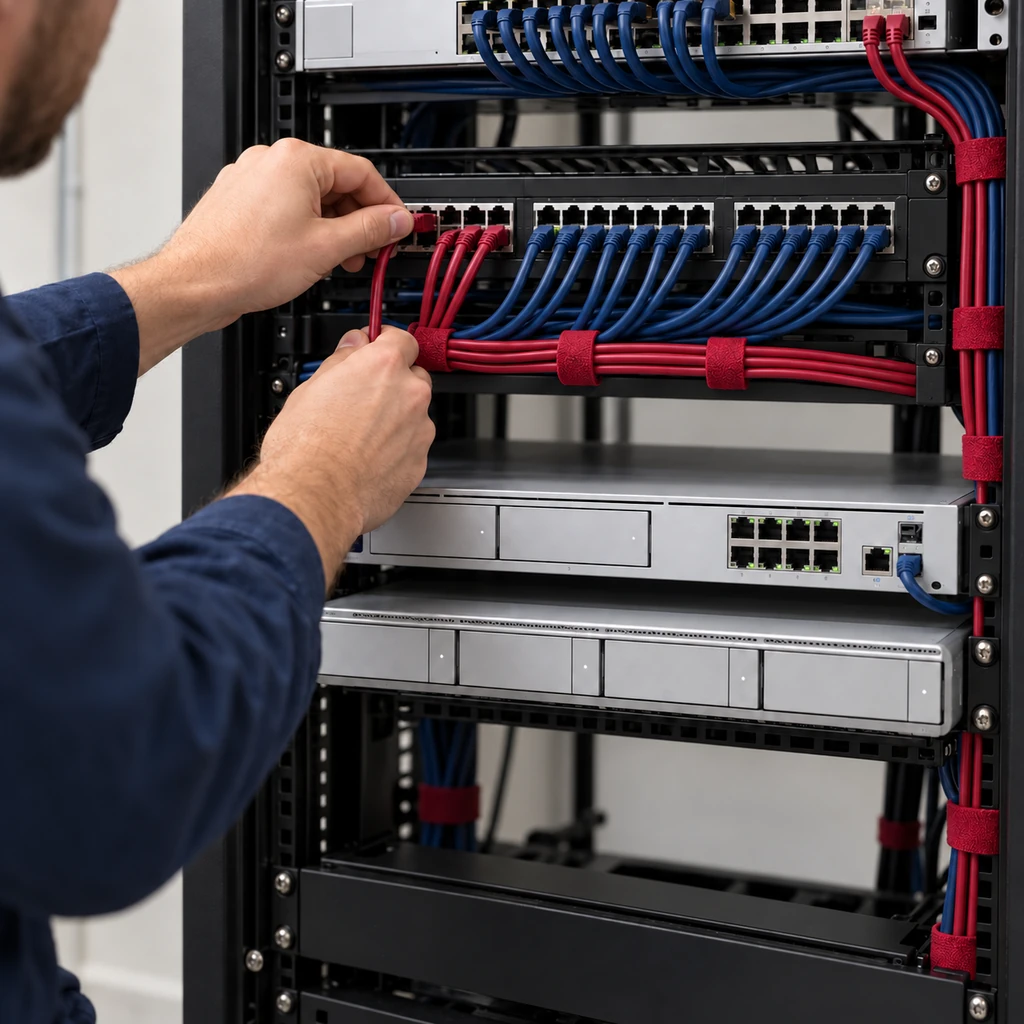
Cameras
▼
PoE cabling & switching
▼
Protected camera network / VLAN
▼
Gateway & firewall coordination
▼
Recorder & authorized access
Warehouse & Outdoor Surveillance
The most demanding coverage is usually outdoors and in large open spaces. We plan for the real conditions of warehouses, yards, and detached commercial buildings.
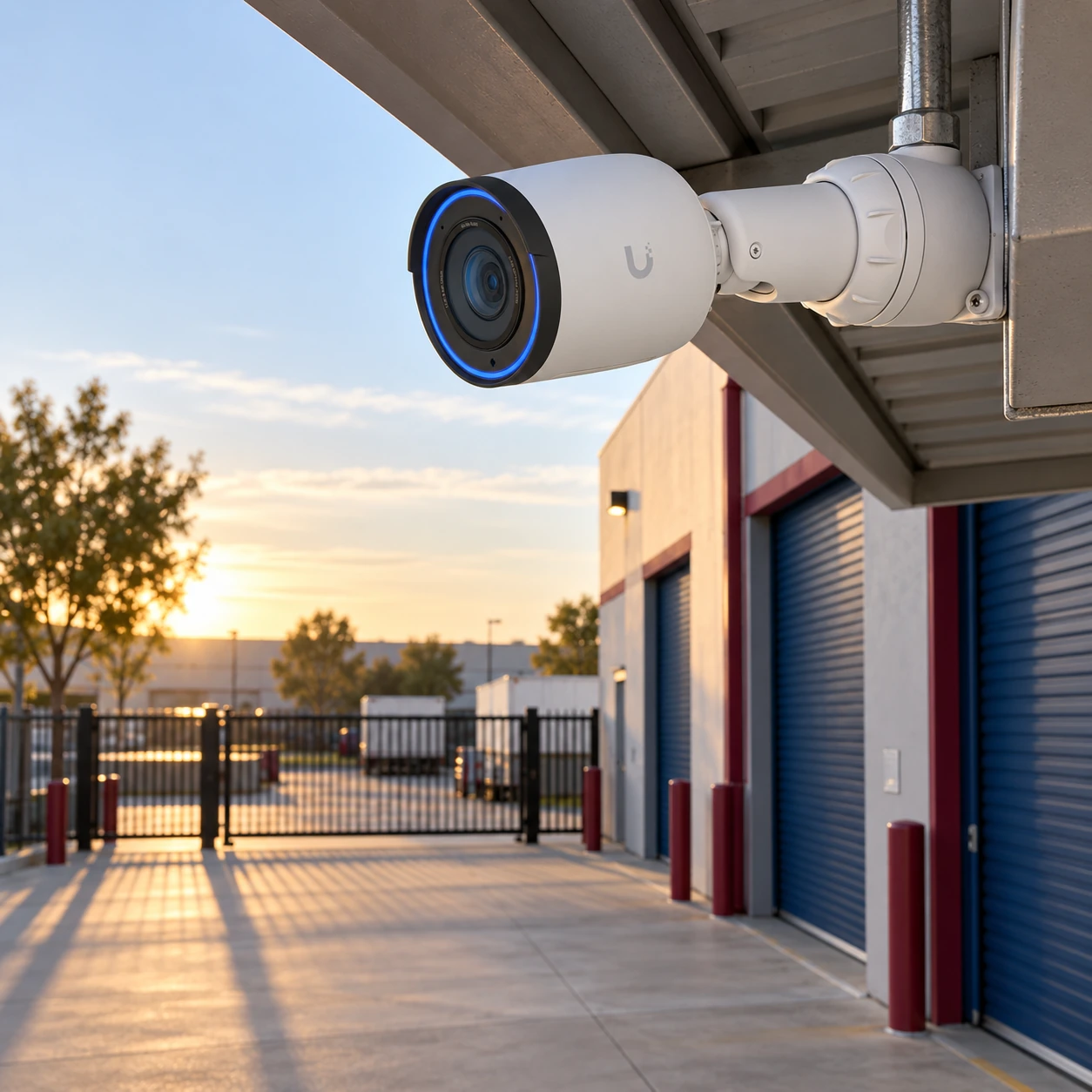
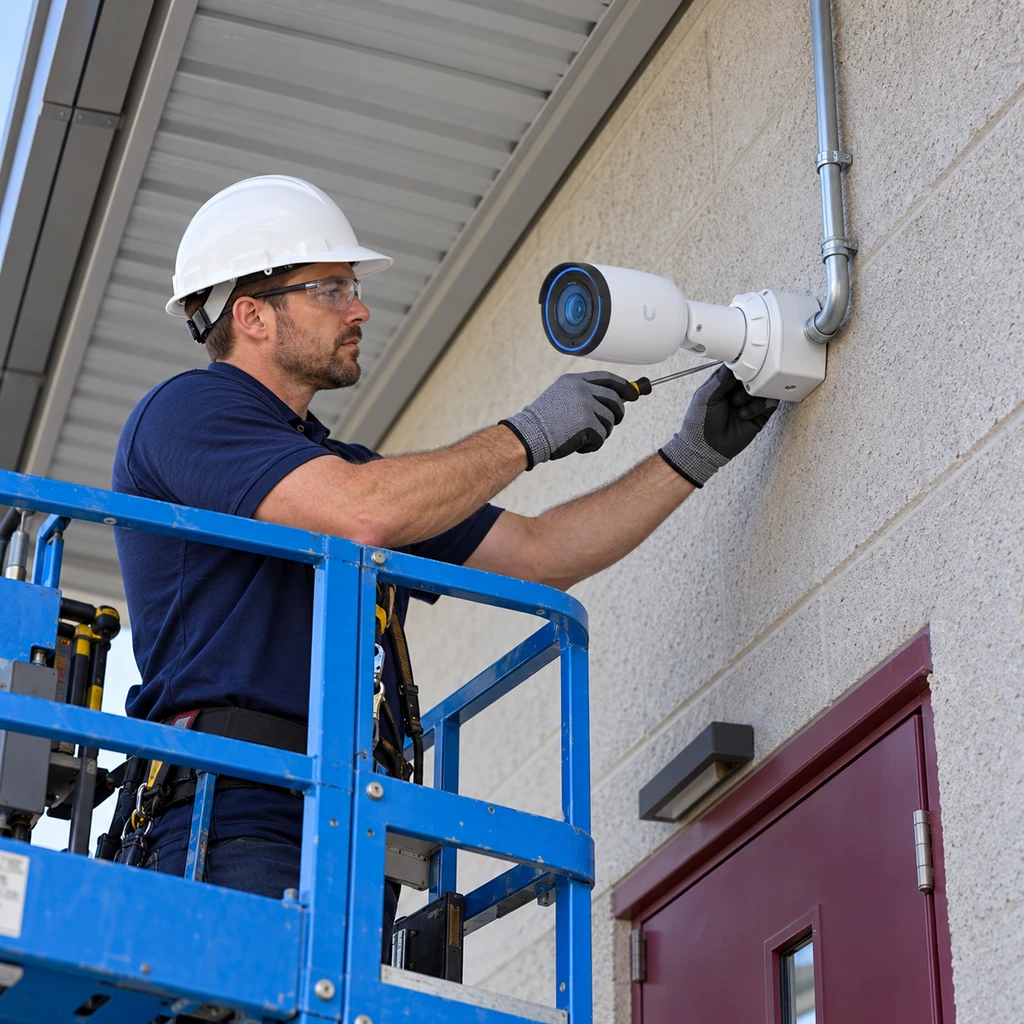
Loading docks
Warehouse aisles
Exterior doors
Parking areas
Industrial yards
Detached buildings
Outdoor enclosures
Wireless bridges where cabling is impractical
Replacing Aging Systems
You do not always have to rip everything out at once. Where the environment allows, upgrades can move through practical phases.
01
Review
Existing cameras, cabling, and recorders are evaluated for condition and capability.
02
Reuse
Compatible components may sometimes be kept to reduce unnecessary replacement.
03
Replace
Aging or unsupported components are replaced where they hold the system back.
04
Expand
Coverage and storage grow in practical phases that minimize disruption.
Reuse depends on compatibility, condition, and the selected system design. We cannot promise that existing cameras will be compatible or reusable.
Not Sure Whether to Replace or Expand Your Existing System?
Deployment Process
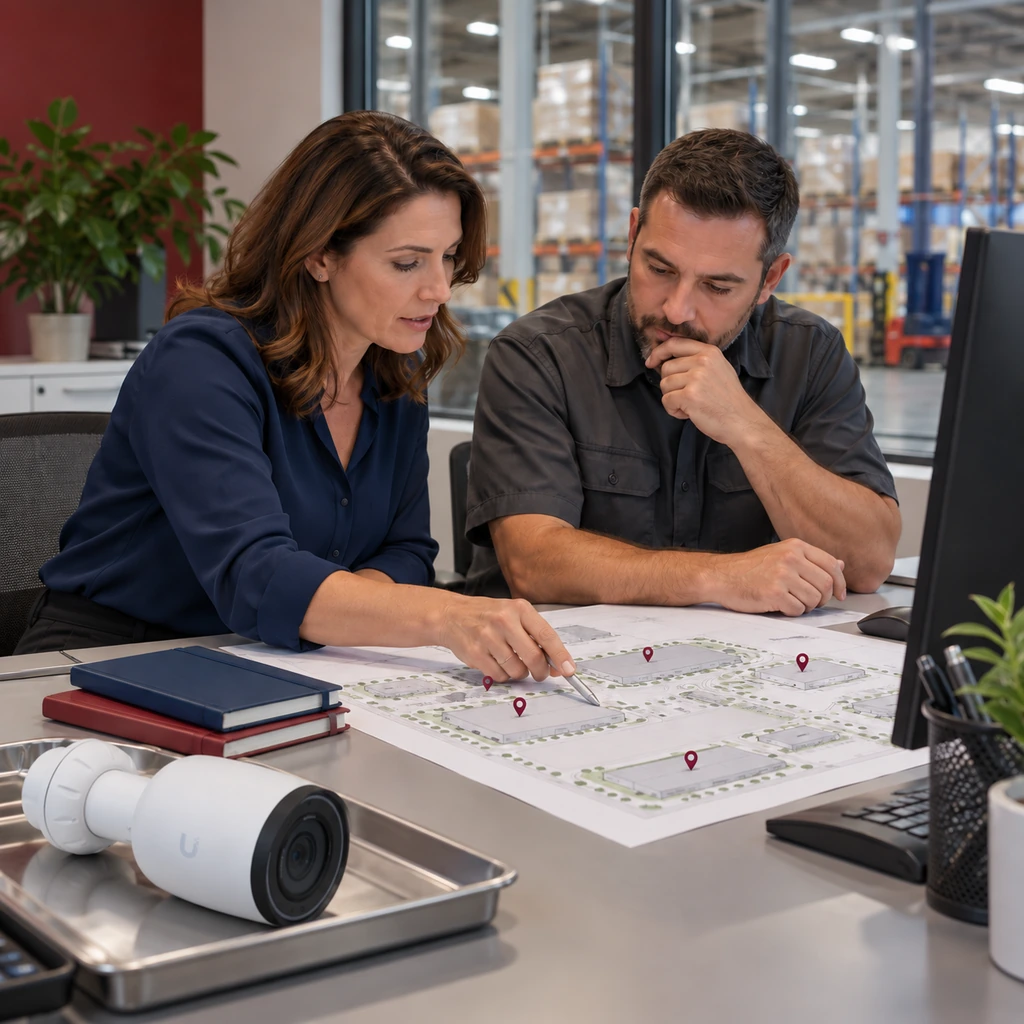
A clear, practical process from first visit to long-term support. The site walk is where most of the important decisions start.
1
Site walk & operational discussion
We walk the site to understand entrances, loading areas, blind spots, infrastructure, storage needs, user access, and future expansion.
2
Coverage, retention & access planning
We map where cameras belong, how long footage should be kept, and who needs access.
3
System design & proposal
You receive a clear design and proposal built around your operations and infrastructure.
4
Cabling, installation, configuration & testing
We run cabling, mount and aim cameras, configure the system, and test coverage.
5
Training, handoff & ongoing support
We train your team, hand off the system, and stay available for long-term support.
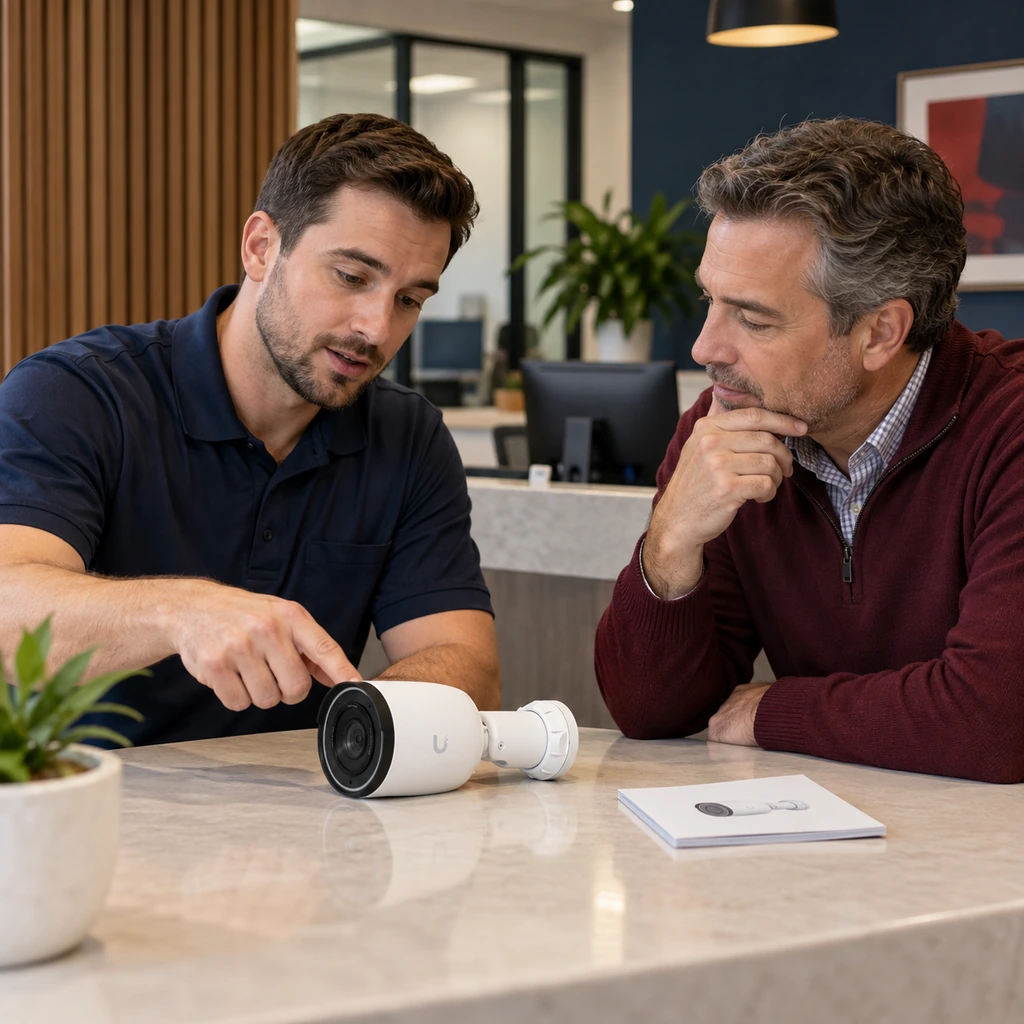
Long-Term Support
A surveillance system is a long-term investment. We stay involved after the install so the system keeps doing its job as your business changes.
- System guidance
- Troubleshooting for systems we install and support
- User-access assistance
- Storage and expansion planning
- Practical upgrade recommendations
- Coordination with related network infrastructure
Support covers the systems we install and support. We do not claim generic 24/7 or unlimited support.
NDAA Awareness
Some businesses, regulated environments, public-sector projects, or customer requirements may call for NDAA-aware equipment selection. Where that applies, we can plan equipment choices accordingly.
This is informational. Not every project requires NDAA-compliant equipment, and requirements depend on your specific situation.
Section 179 Note
Certain business equipment purchases may qualify for tax treatment under Section 179 depending on current tax rules and the customer’s circumstances. Businesses should consult their tax professional regarding eligibility.
Frequently Asked Questions
Straight answers to the questions businesses ask most about commercial surveillance systems.
Is footage stored locally or in the cloud? icon
We commonly design systems with local recording and authorized remote access. The exact architecture depends on the selected system and your business requirements.
Can cameras record continuously? icon
Yes. Compatible systems can be configured for continuous recording when the recorder, storage, camera settings, and business requirements are planned accordingly. Actual retention depends on the overall design.
Can multiple locations be managed together? icon
Compatible deployments can be organized for centralized access and management, making it easier for authorized users to review several business locations from one place.
Do you provide live monitoring? icon
We design, install, configure, and support surveillance infrastructure. We do not provide live security-guard monitoring unless it is separately and explicitly offered.
Can existing cameras be reused? icon
Existing cameras, cabling, and infrastructure can be evaluated. Reuse depends on compatibility, condition, recording requirements, and the selected system design.
What is NDAA compliance? icon
NDAA-related requirements may affect equipment selection for certain organizations, contracts, or regulated environments. Where it applies, equipment can be chosen with those requirements in mind.
Can storage be expanded later? icon
Expansion may be possible when the recording platform and system architecture support additional storage. It is best considered during initial planning.
What happens during internet outages? icon
Local recording may continue when the recorder, cameras, network, and power remain operational. Remote access may be unavailable until internet service returns. Actual behavior depends on the system design and outage conditions.
Improve Visibility Across Your Business
Let’s talk through camera coverage, operational visibility, local recording, retention, multi-location management, protected networks, and future expansion during a site walk.