
Business Continuity & Internet Redundancy
Business Internet Failover & 5G Backup Internet
Help your business stay connected when the primary internet circuit fails. One Stop Telecom plans managed 5G backup internet, supported UniFi gateway failover, equipment placement, UPS protection, and ongoing support around the systems your business depends on.
Automatic failover planning
Managed 5G backup
Supported UniFi gateways
Business-only service
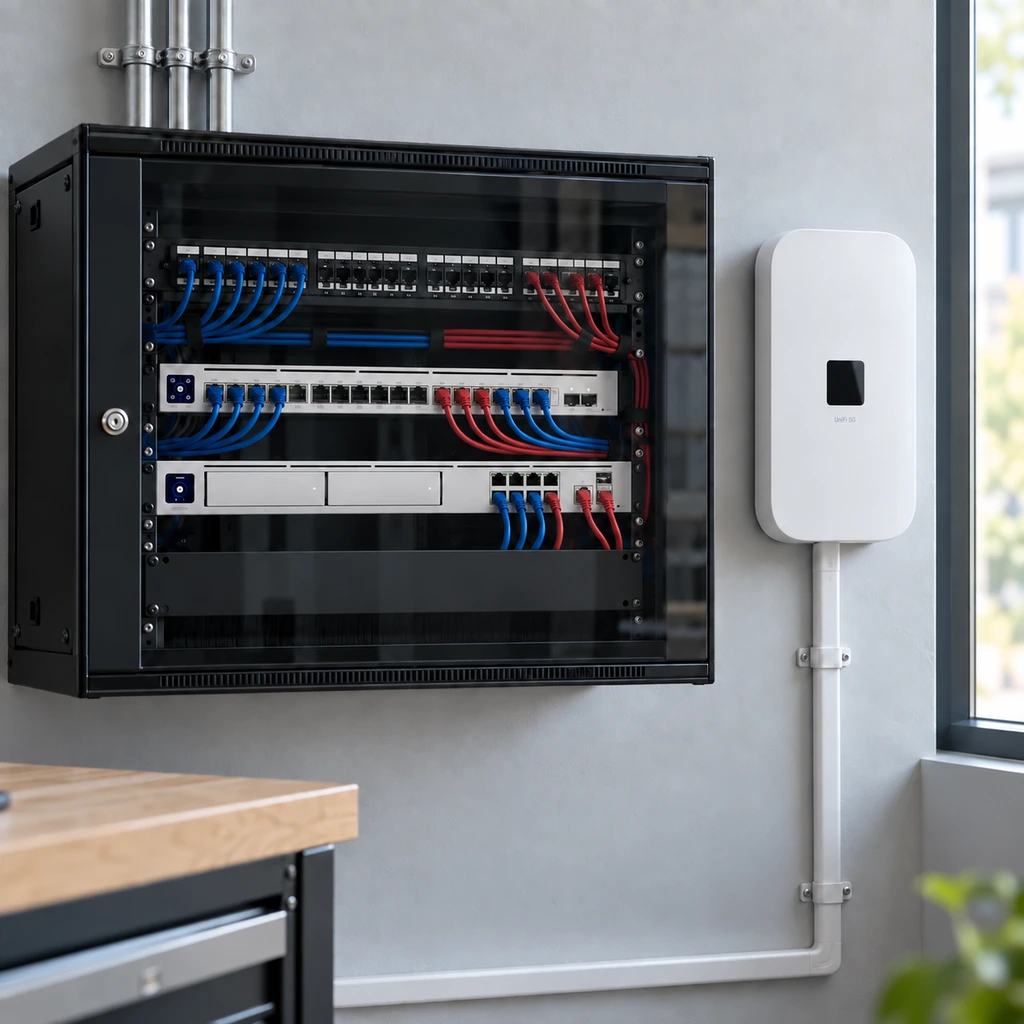
What Stops Working When Business Internet Goes Down?
The real cost of an outage depends on what your business cannot do while disconnected—not only the cost of the internet circuit itself. When the connection drops, the systems that run daily operations can stop with it.
VoIP calls
Cloud applications
Payment systems
Remote access
Warehouse tools
Cameras & access control
Multi-location connectivity
If your business depends on phones, cloud apps, payment systems, warehouse tools, cameras, or multiple locations, One Stop Telecom can help determine whether 5G backup, a second wired circuit, dual-WAN failover, UPS protection, or a layered redundancy plan makes sense.
What Is Business Internet Failover?
Business internet failover is a network setup that allows a business to switch from its primary internet connection to a backup connection when the primary service fails. When designed correctly, the gateway can handle the switch automatically instead of relying on an employee to move cables, reset equipment, or remember a manual backup process.
Failover reduces downtime risk, but it does not guarantee uninterrupted live sessions.
Calls, Zoom meetings, video meetings, or other real-time sessions may briefly disconnect and need to reconnect.
How the switch works
Primary internet
→ Everyday traffic
↓ Primary fails
Dual-WAN gateway
→ Automatic failover
Backup (5G) connection
→ Business stays online
↓ Primary restored
Automatic return to primary
Primary internet connection: Your main wired circuit that carries everyday business traffic.
Backup internet connection: A separate connection, such as managed 5G, ready to take over.
Dual-WAN gateway: The device that watches both connections and controls the switch.
Automatic failover: The gateway moves traffic to the backup when the primary fails.
Automatic return to primary: Traffic shifts back to the primary once service is restored.
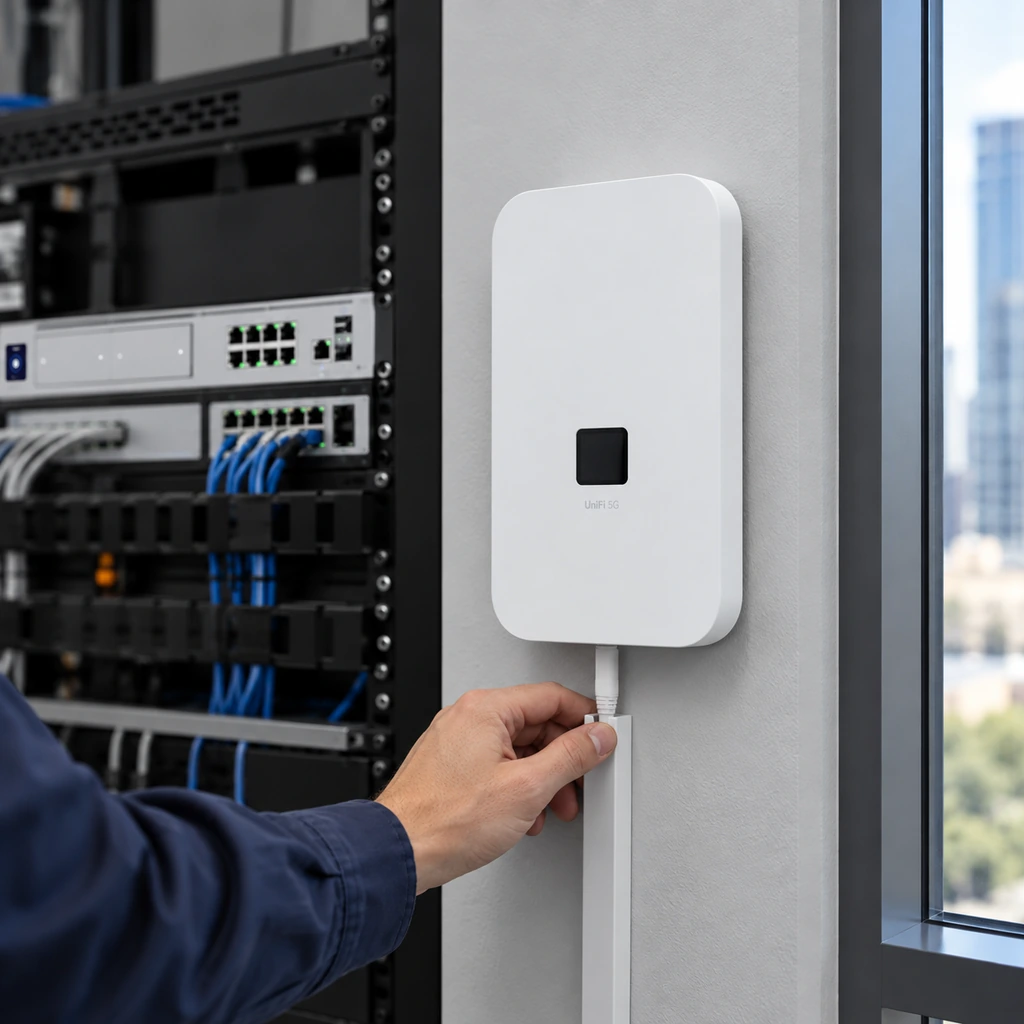
Managed 5G Backup Internet From One Stop Telecom
Managed 5G backup is planned and configured as part of your network — not handed over as a device to set up yourself. One Stop Telecom’s managed 5G backup can connect through major carrier networks including AT&T, T-Mobile, and Verizon, and we manage the carrier connectivity so you do not need to maintain separate carrier relationships.
We evaluate the available carrier connectivity at your location and select the best available path for reliability and speed. Performance depends on carrier availability, signal quality, equipment placement, tower conditions, building materials, and network congestion.
- Managed carrier connectivity
- Major carrier networks including AT&T, T-Mobile, and Verizon
- Carrier and local path evaluation
- SIM monitoring and management
- Internal or external 5G equipment
- Supported UniFi gateway integration
- Automatic failover configuration
- Support for equipment One Stop Telecom installs and configures
Not a Consumer Hotspot
This is not a consumer hotspot or unmanaged SIM-only service. It is part of a managed business failover setup built around supported equipment, gateway configuration, carrier connectivity, and defined support responsibility.
Provider Diversity Is Not Always Path Diversity
A second wired provider can add capacity and provider diversity, but it may not provide true physical redundancy. The right design depends on your location, operational risk, available carriers, and infrastructure.
Two Wired Providers
Strength
Can add provider diversity and capacity.
Limitation
Both circuits may still share a pole, conduit, utility route, street path, or building entrance.
Wired Internet Plus 5G Backup
Strength
Can provide a separate wireless path that does not depend on the same local wired route.
Limitation
Performance depends on usable signal, carrier conditions, equipment placement, and business requirements.
Different provider names do not always mean different physical paths.
Automatic Failover Reduces Dependence on Manual Switching
Many businesses do not realize automatic failover exists. Understanding the difference helps set the right expectations before an outage happens.
Manual Backup
Manual backup internet often depends on the right person being available, noticing the outage, knowing what equipment to touch, and switching the connection correctly. That dependency can add delay and uncertainty at the worst possible time.
Automatic Failover
A properly configured gateway can detect loss of the primary connection and route network traffic through the backup connection—reducing the dependency on someone manually reacting to the outage.
The goal is not to eliminate every interruption. The goal is to reduce the time the business remains disconnected.
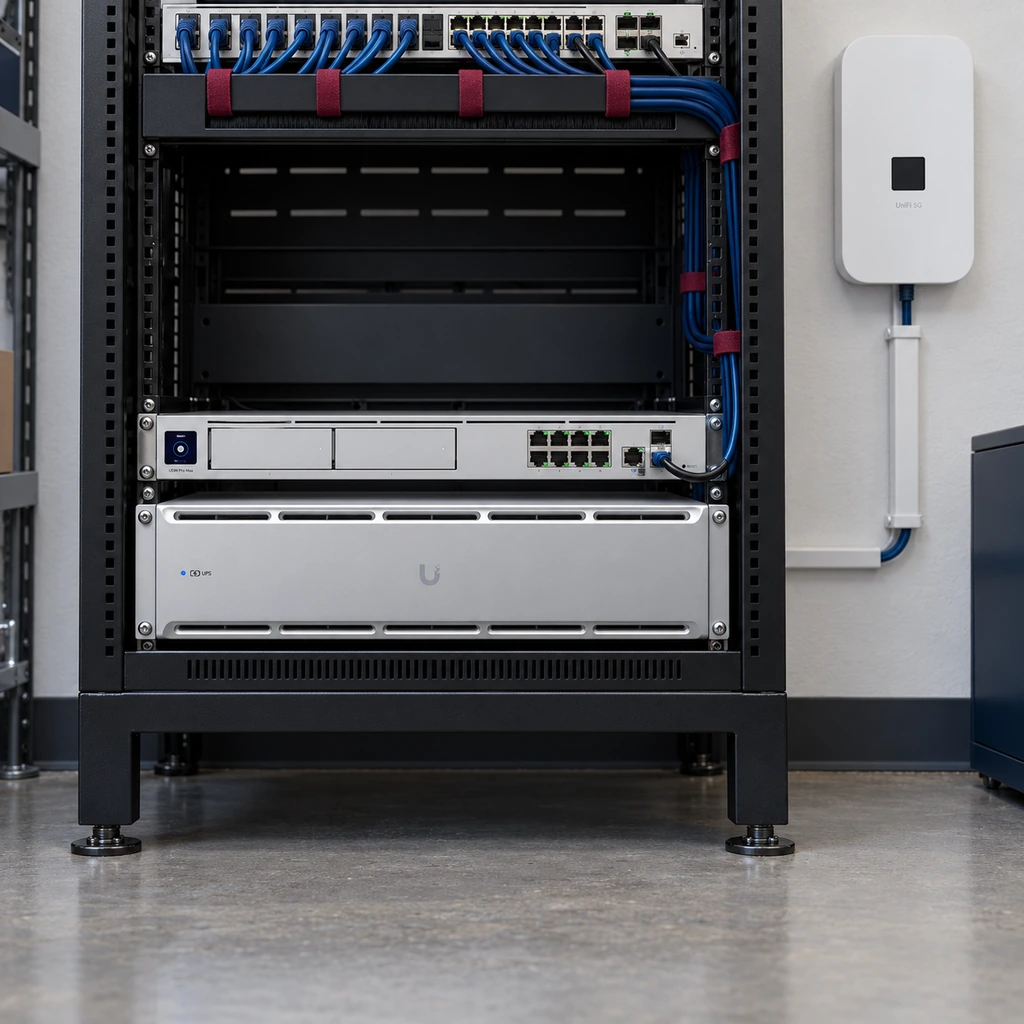
Controlled Failover With a One Stop Telecom-Supported UniFi Gateway
For the full managed failover service, One Stop Telecom uses a supported UniFi gateway because the gateway controls how the network switches between the primary internet connection and the backup connection. When One Stop Telecom provides and configures the gateway, we can properly manage the failover setup, monitor the environment, support the configuration, and troubleshoot the service.
Supported UniFi gateway
Primary and backup internet connections
Automatic failover configuration
Centralized visibility and management
Managed support for equipment One Stop Telecom installs
Failback when the primary connection returns
Unsupported customer firewalls are outside the managed support scope.
What Should a Business Expect During Failover?
Automatic failover reduces downtime risk, but it does not mean every live session continues without interruption. The gateway can generally switch to the backup connection within seconds, but active phone calls, Zoom meetings, video calls, or other real-time sessions may briefly disconnect and need to reconnect. Many cloud applications reconnect quickly, but behavior depends on the application, outage, gateway, and connection conditions.
Cloud apps
Often reconnect quickly
Live calls & meetings
May disconnect and need to reconnect
General browsing & email
May resume after the gateway changes paths
What failover honestly does not guarantee
No guaranteed uptime
No guaranteed speed
No guaranteed carrier availability
No guaranteed uninterrupted phone calls
No guaranteed uninterrupted Zoom or video meetings
Failover is designed to reduce total downtime and make outages less disruptive — not to promise perfect, uninterrupted service.
What Needs to Be in Place for Failover to Work Correctly
Automatic failover works best when the backup connection, gateway, power, and network design are planned together. One Stop Telecom reviews these items before recommending a failover setup:
- Usable 5G-capable cellular signal at the location
- Proper placement for the 5G backup equipment
- Internal or external equipment based on the application
- One Stop Telecom-supported UniFi gateway
- Proper dual-WAN or failover configuration
- Primary and backup connections connected to the gateway
- UPS planning for gateway, 5G unit, switches, and related equipment
- Clear expectations for live calls and meetings
- Defined support scope for installed and configured equipment
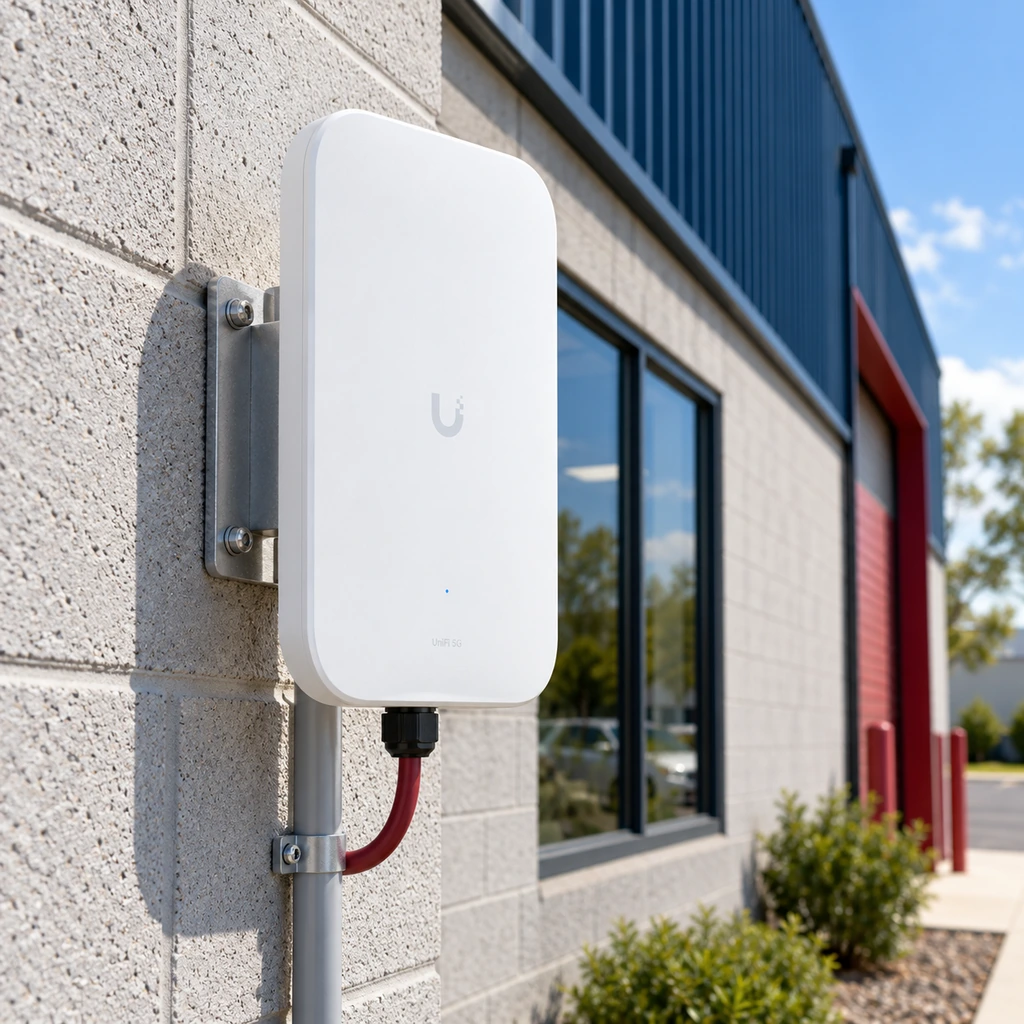
The Right Backup Strategy Depends on the Cost of Downtime
Option 1
5G Backup
Best for businesses that need a separate wireless path and practical automatic backup.
Option 2
Second Wired Circuit
Best where true route diversity can be confirmed or additional wired capacity is important.
Option 3
Layered Redundancy
Best for operations with higher downtime costs, multiple locations, critical cloud systems, or greater continuity requirements.
What would one hour without internet cost your business?
Metered and Higher-Usage Backup Options
Backup data can be sized to balance monthly cost, expected backup usage, and outage risk. The right option depends on how long outages might last and how many systems need to stay online.
Metered Options
Metered options can reduce recurring monthly cost when backup use is expected to be limited. Customers can be notified before included data is exhausted, depending on the service arrangement.
Higher-Usage Options
Higher-usage options may be appropriate when outages could last longer or the business needs to keep more systems online during an extended primary outage.
Specific data allowances and pricing are confirmed during planning based on your requirements.
How Fast Is 5G Backup Internet?
5G backup is designed to keep essential systems working during an outage. Real-world performance is not fixed — it can vary based on a number of site-specific factors:
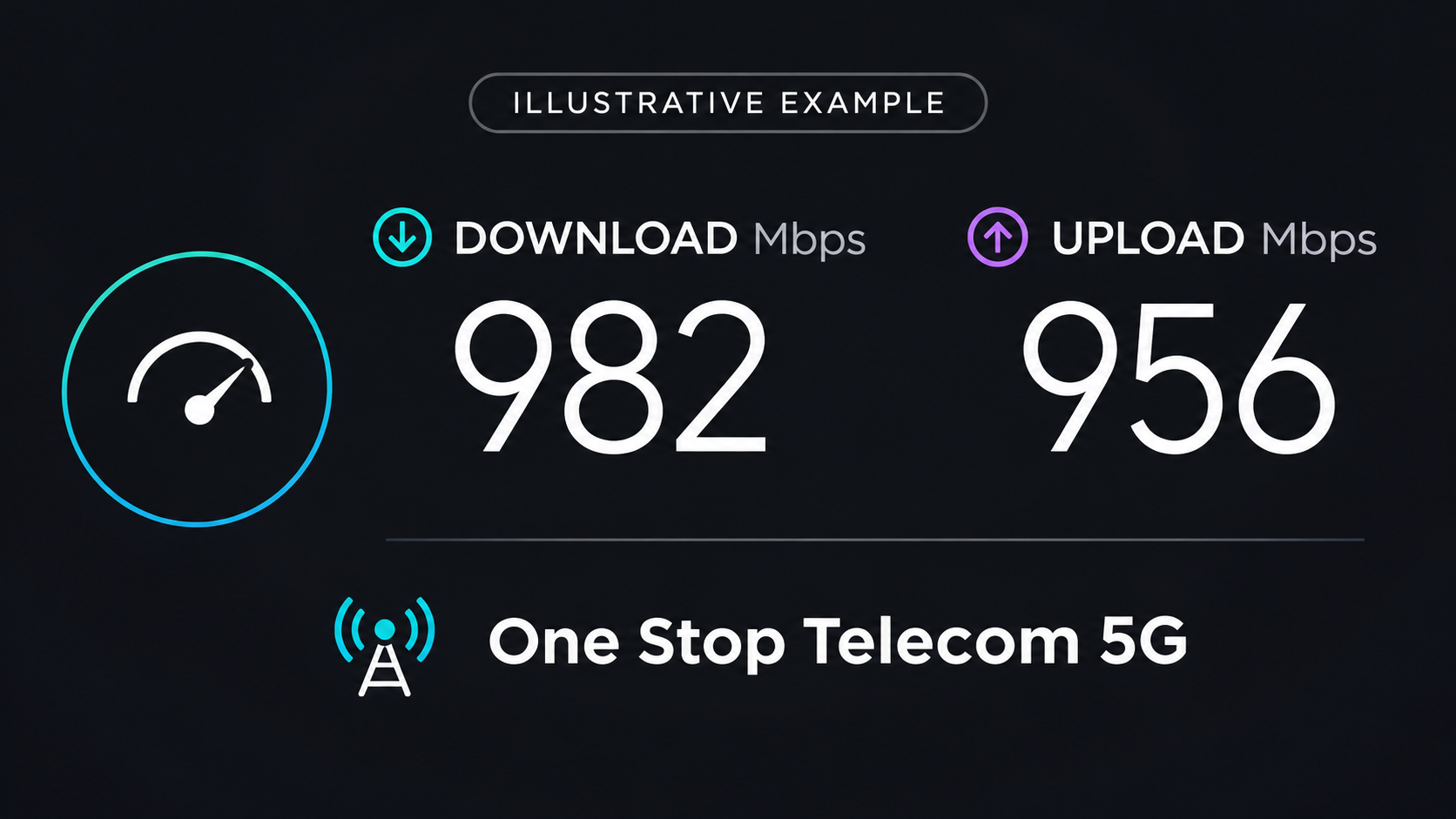
One Stop Telecom has seen real deployments with download speeds around 300 Mbps, but performance varies by site and should not be treated as a guaranteed speed.
Location
Signal quality
Carrier availability
Internal or external equipment placement
Building materials
Tower conditions
Network congestion
Gateway and failover configuration
Because conditions differ by site, One Stop Telecom evaluates signal and placement before recommending a setup rather than promising a specific speed or coverage level.
Internet Backup Does Not Replace Power Backup
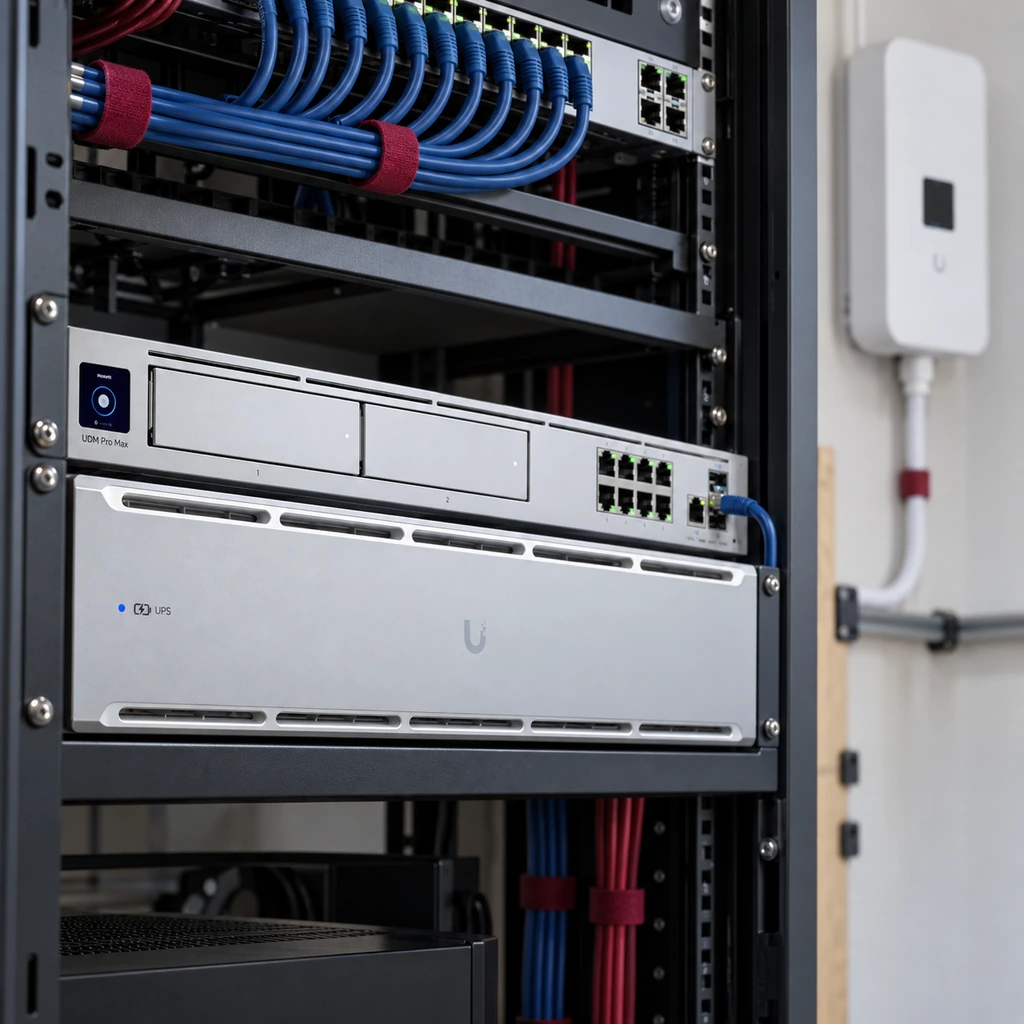
5G backup can help when the primary internet circuit fails. A UPS helps keep the gateway, switches, phones, access points, and 5G equipment powered during short power interruptions. Both may be needed for a complete continuity plan.
Internet Redundancy
Provides a separate connection path when the primary internet circuit fails.
Power Continuity
Keeps network and failover equipment powered during short power interruptions.
Keep Critical Business Systems Connected
A good failover plan is not only about keeping web browsing online. It helps reduce downtime risk for the systems the business depends on every day, so more of them can reconnect through the backup path.
VoIP phone systems
Cloud applications
Email and communication tools
Wi-Fi-dependent devices
Payment systems
Scheduling and practice-management systems
Cameras and access control
Warehouse scanners and shipping systems
Remote access and VPN where appropriate
Failover helps keep these systems connected and can reduce downtime risk, but it does not guarantee that every system operates perfectly or without interruption during a switch.
Clear Support Boundaries
Knowing what is and is not included keeps expectations clear from the start.
What One Stop Telecom Can Support
- Supported UniFi gateways
- Failover configuration
- 5G equipment installed and configured by One Stop Telecom
- Carrier connectivity included in the managed solution
- SIM management
- Network-side testing
- Equipment placement
- Supported switches, access points, and related infrastructure where included
What Is Not Automatically Included
- Residential service
- Consumer hotspot support
- Unmanaged SIM-only service
- General computer support
- Printer support
- Server administration
- Email administration
- Unsupported third-party hardware
- Guaranteed carrier outage resolution
- Guaranteed emergency response
Internet Failover for Offices, Warehouses, Medical Practices, and Multi-Location Businesses
Failover planning matters most where downtime interrupts revenue, safety, or daily operations. Here is how it applies across common business environments.
Medical offices
Phones, scheduling, patient communication, and cloud systems.
Law firms
VoIP phones, email, document access, case-management systems, and client communication.
Warehouses and logistics
Scanners, shipping systems, cameras, access control, and office operations.
Manufacturing
Scheduling, vendor communication, cameras, production offices, and operational systems.
Professional offices
Accounting, insurance, financial services, and other cloud-dependent teams.
Multi-location businesses
Consistent failover standards and support across offices or warehouses.
Real Business Failover Examples
These are real examples of how businesses use failover—not guarantees that every business will experience the same result.
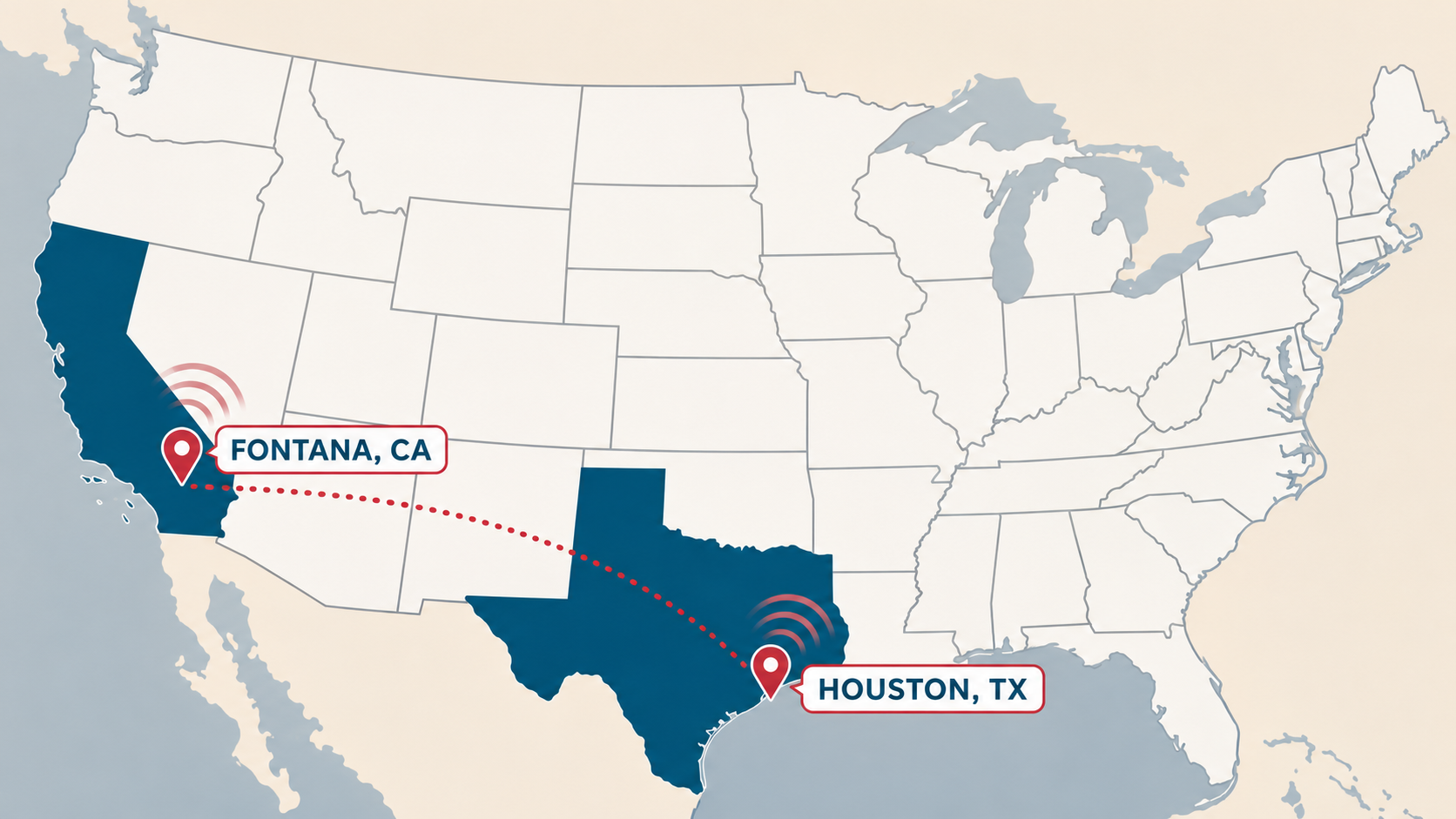
Fontana, CA & Houston, TX
Multi-Location Warehouse
A warehouse business with locations in Fontana, California, and Houston, Texas uses dedicated fiber as the primary internet connection and 5G backup internet as the failover connection at both locations. This gives the business a consistent redundancy approach across multiple sites.
Pasadena, CA
Pasadena Medical Office
A Pasadena medical office uses Spectrum coax as the primary internet connection and 5G backup internet for redundancy. During an extended primary outage, the backup connection helped the office continue operating with minimal disruption.
A Practical Process for Internet Failover Planning
Step 1
We learn how your business uses internet
Phones, cloud apps, Wi-Fi, cameras, access control, remote access, warehouse systems, and daily operations.
Step 2
We review your current internet and network setup
Primary internet, gateway or firewall, rack, power, Wi-Fi, switching, cabling, and current outage risks.
Step 3
We evaluate backup options
Managed 5G backup, a second wired ISP, dual-WAN gateway requirements, UPS needs, and whether multiple redundancy layers make sense.
Step 4
We test available 5G connectivity
We evaluate signal and carrier availability and select the best available path for the customer’s location.
Step 5
We configure supported failover equipment
One Stop Telecom installs and configures the supported UniFi gateway and failover setup.
Step 6
We document and support the environment
Managed support may include gateway monitoring, SIM monitoring, firmware updates, troubleshooting, and carrier escalation.
Business Internet Failover Support in Southern California and Beyond
One Stop Telecom supports business internet failover and managed 5G backup internet for businesses throughout Southern California. We also support multi-location businesses that need consistent redundancy planning across offices, warehouses, or branches.
Upland
Ontario
Rancho Cucamonga
Inland Empire
San Gabriel Valley
Greater Los Angeles
Orange County
Pasadena
Fontana
Multi-location businesses
Business Internet Failover & 5G Backup Internet FAQs
Clear answers about automatic failover, managed 5G backup, supported equipment, and what businesses should expect during an outage.
What is business internet failover?
Business internet failover is a network setup that allows a business to switch from its primary internet connection to a backup connection when the primary service fails. When designed correctly, a supported gateway handles the switch automatically instead of relying on someone to move cables or run a manual backup process.
What is 5G backup internet for business?
5G backup internet is a wireless backup connection managed by One Stop Telecom as part of a business failover setup. It can connect through major carrier networks including AT&T, T-Mobile, and Verizon, and provides a separate wireless path into the network when the primary connection fails.
Is 5G backup the same as using a hotspot?
No. One Stop Telecom’s 5G backup internet is part of a managed business failover setup with a supported gateway, failover configuration, SIM management, carrier connectivity, and support for equipment we install and configure. It is not a consumer hotspot or unmanaged SIM-only service.
What is provider diversity vs path diversity?
Provider diversity means using more than one internet provider. Path diversity means the backup connection does not depend on the same physical route into the building. Two wired providers may still share the same pole, conduit, or entry path, while 5G backup can provide a separate wireless path.
Is a second wired ISP still useful?
Yes. A second wired ISP can still be valuable, but it may not provide true path diversity if it shares the same physical route as the primary. Wired redundancy and wireless redundancy solve different problems, and some businesses layer both.
Does failover switch automatically?
With a properly configured One Stop Telecom-supported UniFi gateway, yes. The gateway monitors the primary connection and routes traffic to the backup automatically when the primary fails, then returns to the primary once service is restored.
Does automatic failover mean there is no interruption?
No. Automatic failover can usually switch within seconds, but live phone calls, Zoom meetings, or other real-time sessions may briefly interrupt and need to reconnect. The goal is to reduce total downtime, not to eliminate every interruption.
What happens to phone calls and Zoom meetings during failover?
Active real-time sessions such as VoIP calls and video meetings may briefly disconnect during the switch and need to reconnect. Failover reduces overall downtime but does not guarantee uninterrupted live sessions.
Will cloud apps keep working during failover?
Many cloud applications reconnect quickly after the gateway changes paths and often do not need to be restarted, but behavior depends on the application, the outage, the gateway, and connection conditions.
Does 5G backup guarantee uptime?
No. 5G backup reduces downtime risk, but it does not guarantee uptime, carrier availability, speed, or uninterrupted service.
What does One Stop Telecom manage?
Managed support may include the supported UniFi gateway, One Stop Telecom-provided 5G backup service, SIM monitoring and management, failover configuration review, firmware updates for supported equipment, troubleshooting the supported failover setup, replacement guidance, carrier escalation where applicable, and carrier and local path selection.
Do you support customer-owned firewalls?
The full managed failover service is designed around One Stop Telecom-supported UniFi gateways because One Stop must be able to control the failover process. Unsupported customer firewalls are outside the managed support scope.
What affects the cost of business internet failover?
Cost depends on the primary internet setup, supported UniFi gateway requirements, 5G signal conditions, internal or external 5G equipment needs, metered or higher-usage data requirements, UPS planning, installation complexity, and whether managed support is included.
Does failover replace UPS backup?
No. Failover addresses a failed internet circuit, not lost power. A UPS helps keep the gateway, switches, modem/ONT, 5G equipment, phones, and access points powered during short power interruptions. Both may be needed for a complete continuity plan.
Can 5G backup support multiple business locations?
Yes. One Stop Telecom can help multi-location businesses plan consistent failover standards across offices, warehouses, or branches, including supported UniFi gateways, managed 5G backup, and documented support boundaries.
What businesses benefit most from internet failover?
Businesses that depend on phones, cloud apps, payment systems, scheduling, cameras, access control, or warehouse systems benefit most — including medical offices, law firms, warehouses and logistics, manufacturing, professional offices, and multi-location businesses.
Ready to Plan Your Business Internet Failover?
Whether your business depends on phones, cloud apps, Wi-Fi, cameras, access control, warehouse systems, or multiple locations, One Stop Telecom can help you plan a practical internet failover strategy with managed 5G backup, UniFi gateway failover, and support for the equipment we install and configure.