-
How to park a Call
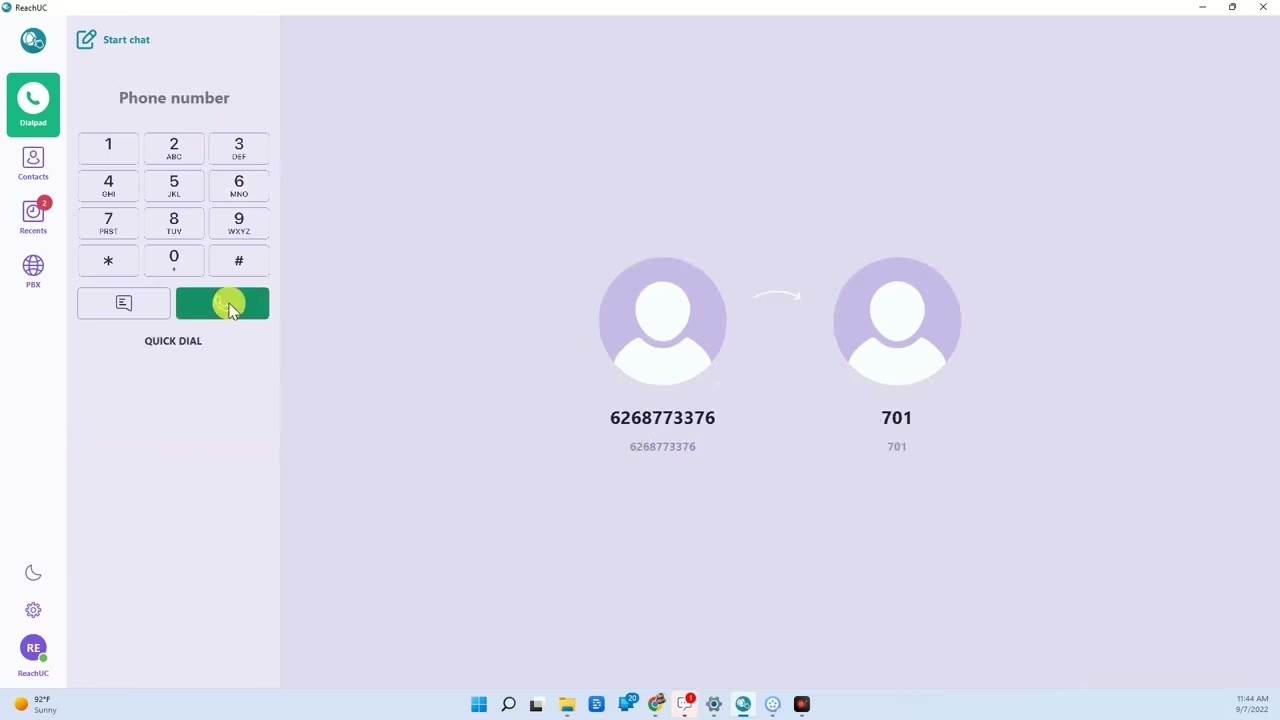
While in a call you can send a call to park by hitting the blind transfer button and then typing in the number of the call park that you would like to send it to.
-
Time Frames, Forwarding, and Holidays

Learn how to work with time frames! This means that you can create rules within your One Stop Telecom phone system which will set your call routing at specific times. You can route your calls differently after business hours, easily forward your calls form anywhere, and automatically treat holidays differently than normal business hours. It’s…
-
Work Remotely with the Desktop ReachUC App from One Stop Telecom
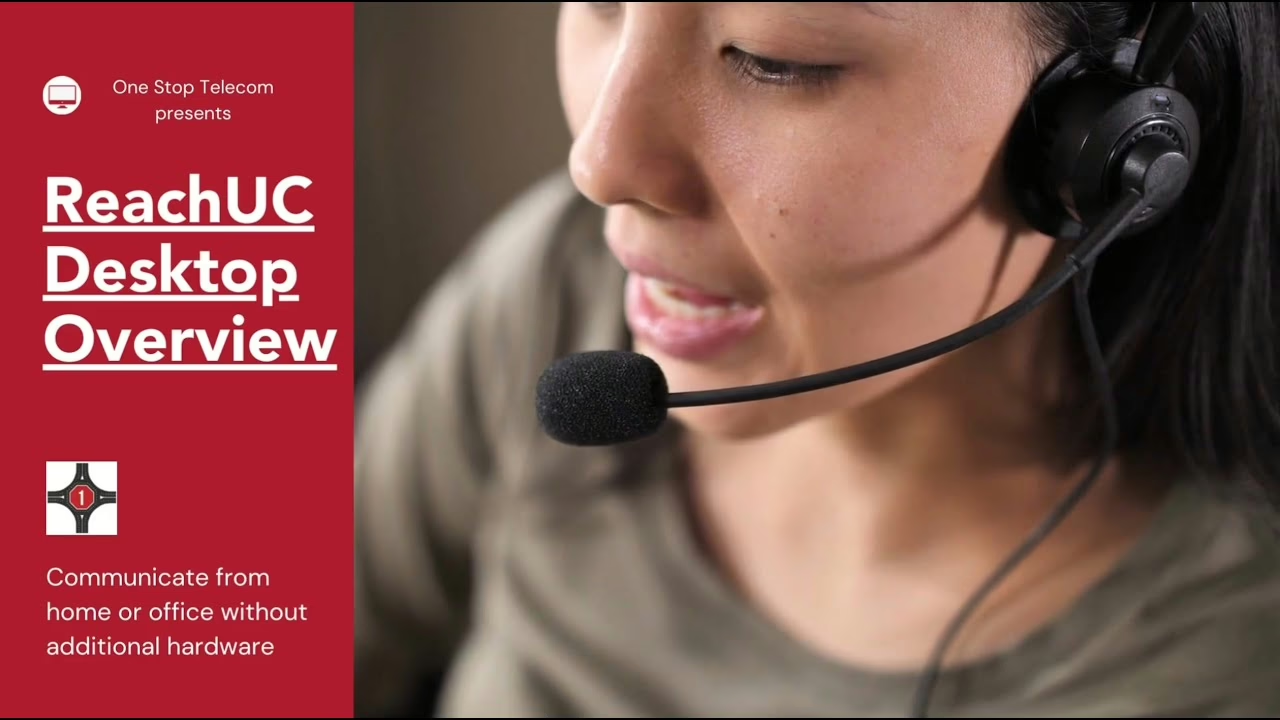
With the ReachUC application, you can easily manage your One Stop Telecom extension on your PC. Now, without the need of a desk phone, you will be able to make calls, send/receive text and picture messages from your office phone number, access your voicemails, and more! Welcome to remote working at it’s finest!
-
Professional Voicemail Management Made Easy

Show customers that you value each phone call, even if you are unable to answer, by creating a professional and timely voicemail greeting for your phone system. Contact our sales or support team at (530) ONE-STOP for questions on managing your voicemails with this powerful tool!
-
Better Understanding Your Bill

We understand… sometimes looking at your telephone bill can be confusing. This video takes away the guesswork and helps you to see how to under your One Stop Telecom phone bill. If you need further assistance, feel free to contact our billing department directly at (530) ONE-STOP.
-
Bill Center and Autopay Setup from One Stop Telecom

The One Stop Telecom Bill Center allows you to easily manage your business phone system’s billing. You will always have full control over your billing to use a credit card, pay by checking account through ACH, and add and remove auto-pay. Just another way we work with you to make things easy!
-
Portal Shortcuts from One Stop Telecom

You can access all of your One Stop Telecom portal shortcuts in one easy place on our website! In your browser just go to https://onestop.expert/ . There, in the customer access tab, you'll see all the links you'll need to manage your business phone system, billing, fax portal and even get support. As always, if…
-
Contact Center from One Stop Telecom
Check out the versatility of One Stop Telecom’s Contact Center platform! In one place, you can easily manage your agents, see how many customers are waiting, perform quality control checks by coaching your agents while they are on a call and so much more!
-
Best Call Routing Solution For Your Phone System | Auto Attendant Made Easy

An auto attendant can be perfect whether you are a sole proprietor or a growing company with various departments. Contact our sales team at (530) ONE-STOP to see how you can grow your business and better manage call flow with this powerful tool!
-
Work Remotely with the ReachUC Mobile App from One Stop Telecom

The ultimate application for remote working! With the ReachUC Mobile app from One Stop Telecom you can stay in touch with the office even while on-the-go. Remote working has never been so easy! Make and receive calls, send text messages from your business number, and check voicemails as though you were at your desk. Just…
-
How to manage phone calls at work – call queues

Answer more phone calls with the same number of employees or less using call queues. Give us a call today to learn how you can start using this setup in your office.
-
How to use a Yealink T46U
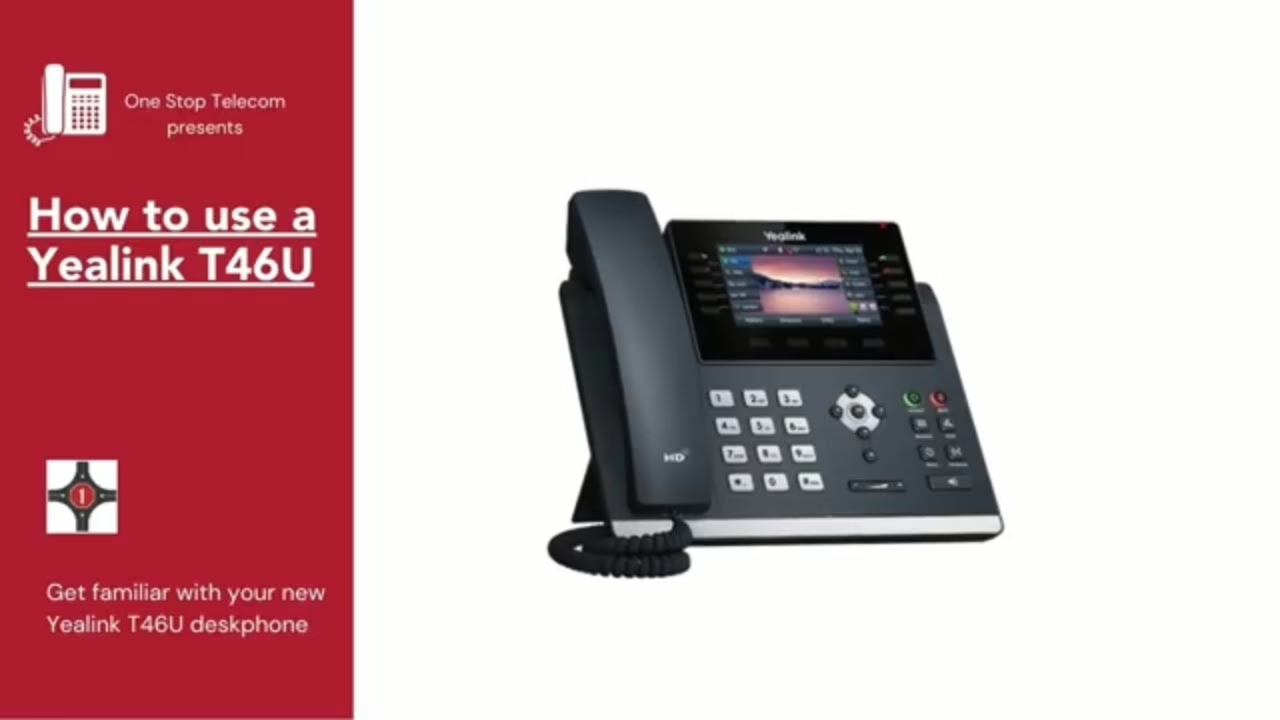
Learning how to use your new Yealink T46U IP Phone does not have to be a complicated process and at One Stop Telecom we like to help all our customers get the most out of their products. If you would like to find out more about using this phone in your office, contact our sales…
-
Source One Tax Consultants Got Ready For Tax Season Early

Source One Tax Consultants prepared early for tax season with One Stop Telecom’s tailored solutions. By upgrading their phone system and internet, they enhanced client service, improved security, and reduced costs. These changes help Source One operate efficiently and confidently, ensuring they’re ready to meet client needs throughout the busy tax period and beyond.
-
A Healthy Body and Healthy Network Go Hand-In-Hand – Just Ask Dr Wu!

Dr. Wu’s practice upgraded to One Stop Telecom’s fiber optic internet and Hosted VoIP, boosting speed, stability, and affordability. Now, he can connect with patients seamlessly—even internationally—without high costs. This upgrade empowers Dr. Wu to provide holistic care with confidence, ensuring connectivity and top-notch service for his growing community of patients.
-
Swedlows Distributors receives complete Network and Telephony upgrade from One Stop Telecom
One Stop Telecom transformed daily operations for Swedlows Distributors Inc., upgrading their bandwidth, internet reliability, and phone system features like caller ID and external call transfers. This new setup reduces downtime and frustration, enabling staff to focus on delivering exceptional service. Swedlows can now meet client demands efficiently, thanks to One Stop Telecom’s timely solution.
-
VoIP Services for Ontario California

We offer a cloud-hosted PBX solution that saves time and money by eliminating bulky on-site equipment that is time-consuming and costly to maintain. As your provider, we maintain all hardware and software and make it easy to add or remove lines, users, and features, as your business grows. With included tools such as individual voicemails,…
-
Why Businesses in Ontario, CA Should Consider Transitioning to Unified Communications

Businesses in Ontario, CA, can boost productivity and reduce costs by transitioning to a Unified Communications (UC) system. One Stop Telecom provides tailored UC solutions that streamline communication, support remote collaboration, and offer personalized service, competitive pricing, and local expertise. Enhance your business’s efficiency and customer loyalty by partnering with a local provider who understands…
-
How Your Communication Builds Customer Loyalty

Building customer loyalty is essential for revenue growth. Businesses can strengthen customer connections through modern phone systems that integrate phone, email, SMS, and website chat. These systems enable prompt, personalized communication, boosting satisfaction, trust, and repeat business. At One Stop Telecom, we help you implement modern solutions that enhance customer experiences and drive sustainable business…
-
7 Tips to Choose The Best “Work-From-Home” Business Phone System

Looking for a work-from-home business phone system? Here are seven essential tips: opt for a system without hardware requirements, use phone number masking for a professional image, set time frames and Do Not Disturb, access a company directory, enable business SMS, consider call recording, and ensure easy voicemail access. One Stop Telecom has solutions to…
-
Should I switch to VoIP?

Thinking about switching to VoIP? Modernize your communications with a unified system that supports voice, SMS, email, and video, all in one platform. VoIP offers flexibility, cost savings, and enhanced customer engagement, helping businesses stay competitive and connected. Consult One Stop Telecom to explore if VoIP is right for you and discover how it can…
-
What Is VoIP?

Discover the advantages of Business VoIP: a high-security, flexible phone system that allows you to make calls over the internet. Streamline communication with features like auto-attendants, mobile apps, and voicemail-to-email—without the costs of traditional lines. Switch to VoIP for cost-effective, reliable, and modern business communication.